🎯 Dramatically Improve AI Image Generation!
Complete Guide to JSON Structured Prompts
~ Prevent "Concept Bleeding" and Generate Images Exactly as You Envision ~
💡 A sequel to our "3 Major Schools" article!
Today we dive deep into JSON Structured Prompts — the pinnacle of the "Language-Controlled" approach
Ran! Remember when you told me about "Language-Controlled" and "Visual-Intuitive" types?
Yes, we discussed how Nano Banana Pro is "Language-Controlled" while SeeDream and Midjourney are "Visual-Intuitive."
But Nano Banana Pro can also read images, right? How is that different from Visual-Intuitive types? They seem the same to me...
Great question! Even though both "read images," the way they interpret those images is fundamentally different. Today, I'll explain that difference and dive deep into "JSON Structured Prompts" — the ultimate technique for Language-Controlled types.
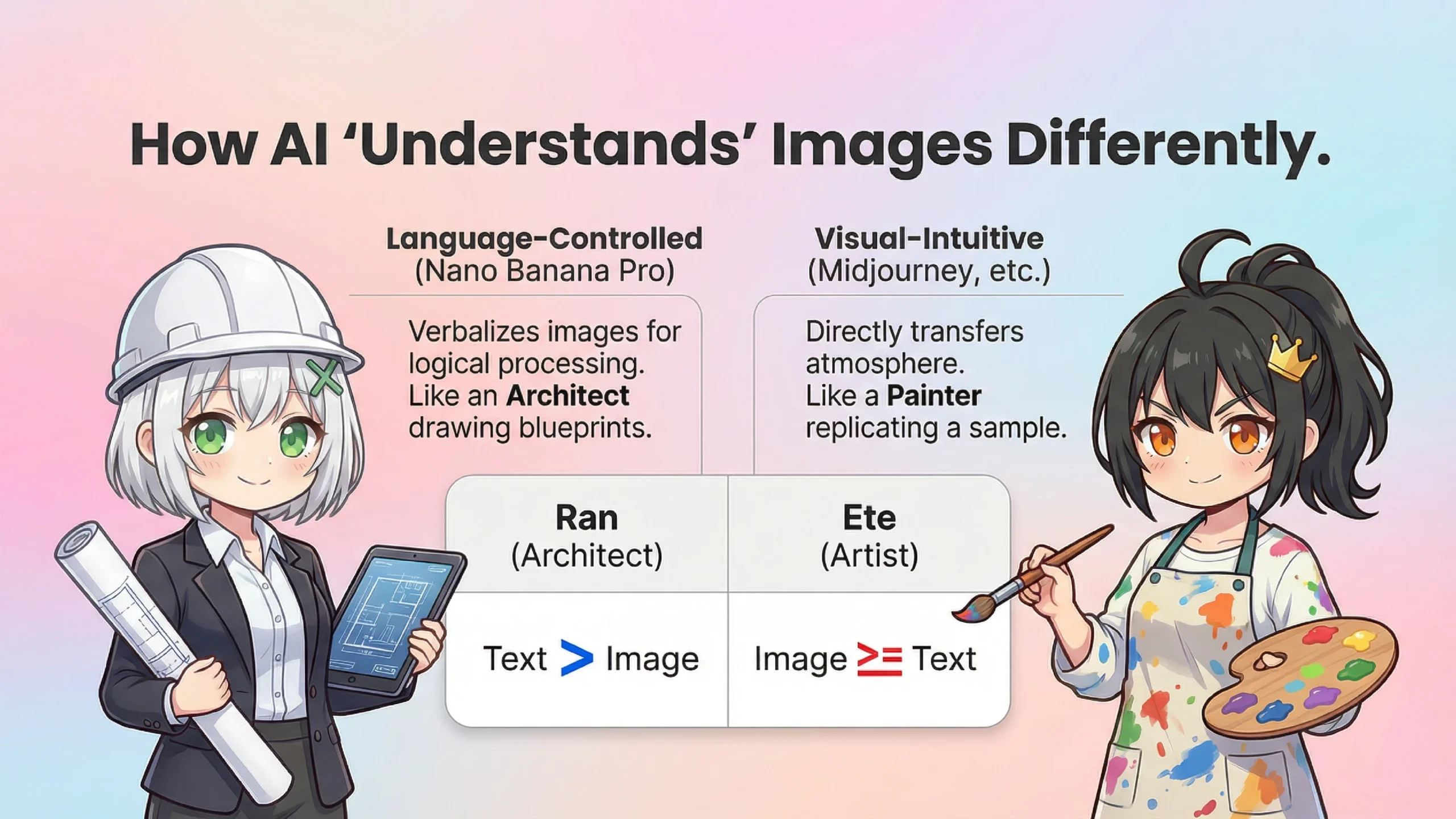
Let me explain how Language-Controlled (Nano Banana Pro) and Visual-Intuitive (Midjourney, etc.) types read images differently.
| Comparison | Language-Controlled (Nano Banana Pro) |
Visual-Intuitive (Midjourney, etc.) |
|---|---|---|
| How images are used | Supporting material for "verbalization" | "Direct style transfer" |
| Processing priority | Text instructions > Image | Image ≥ Text instructions |
| Analogy | An architect reviewing references to draw blueprints | A painter looking at a sample to replicate it |
| Strengths | Logical composition, precise placement | Atmosphere reproduction, style mimicry |
I see... So even though both "look at images," Language-Controlled types "think about it themselves using the reference," while Visual-Intuitive types "copy what they see"?
Exactly! Nano Banana Pro looks at an image and converts it into language first — "this is a blue sky with white clouds and..." — before processing. That's why it can logically combine text instructions with image information.
On the other hand, Visual-Intuitive types transfer the "visual atmosphere" of an image directly to the new image. That's why they excel at "make it look like this painting."
Got it. So it's not that one is better than the other — they just have different strengths.
Yes! And the technique that maximizes Language-Controlled strengths is today's main topic: "JSON Structured Prompts."
Hold on! What even is "JSON"? It sounds like some programmer spell that's going to curse me...
Don't worry! JSON is simply "a set of rules for organizing information neatly." Let me explain with a familiar example...
🍱 JSON is Like a Bento Box with Dividers!
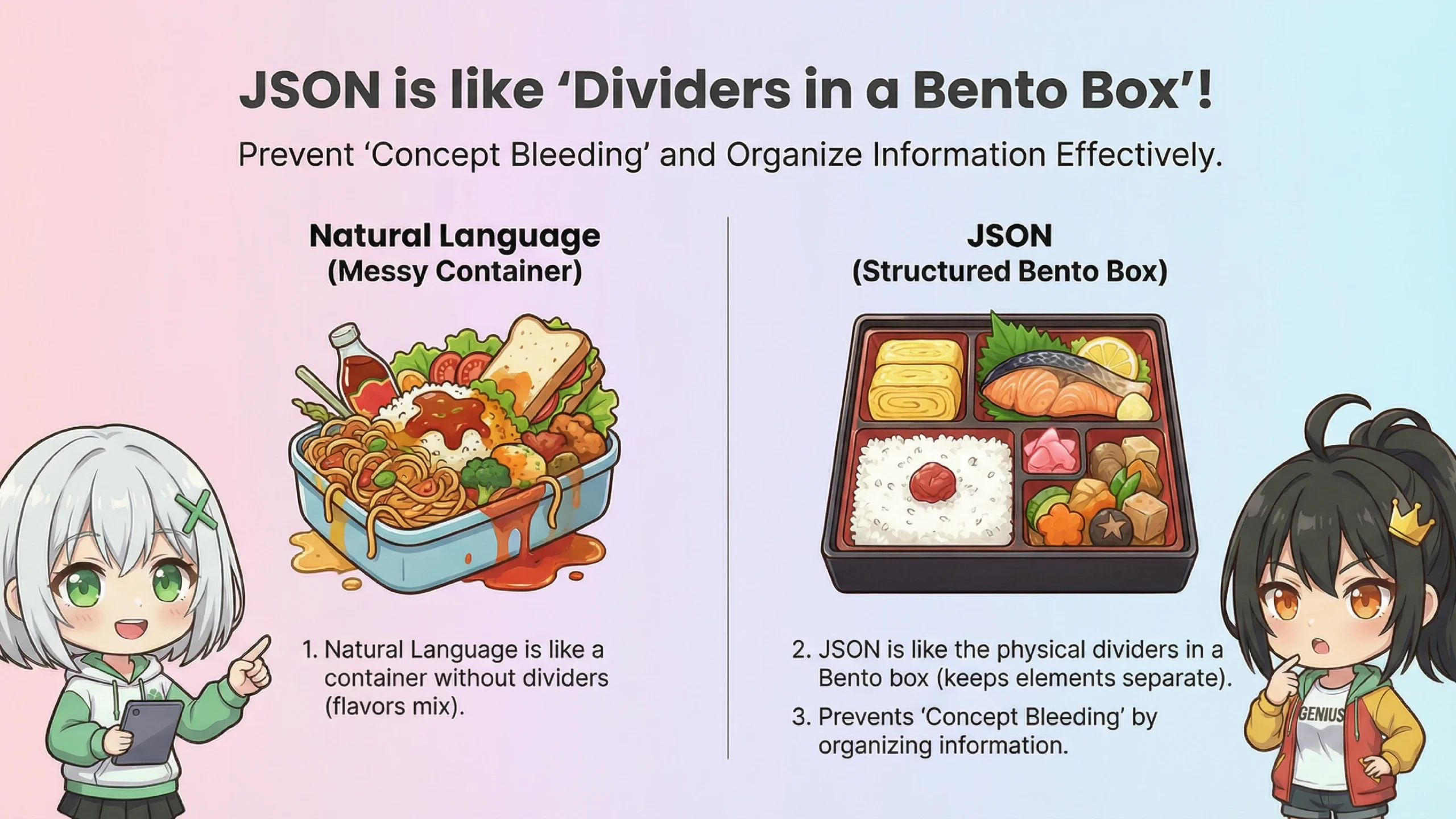
Regular sentences (natural language) are like throwing everything into a container without dividers. If you put curry, salad, and cake all together... the flavors mix and you end up with curry-flavored cake!
JSON is like the plastic dividers in a bento box (a compartmentalized Japanese lunch box). By physically separating the rice section, main dish section, and dessert section, no matter how much you shake it, the flavors won't mix!
Oh! That makes so much sense! So you're telling the AI "from here to here is about the background" and "from here is about the character" — creating clear boundaries!
Exactly! Let's look at actual JSON. You wrap everything in curly braces { } and write in the format "item name: value".
※JSON stands for "JavaScript Object Notation" — a format for writing structured data. While commonly used in programming, it can also be used for AI instructions.
Cool! "Background" and "character" are in separate rooms. This way "cyberpunk" won't bleed into the "kimono"!
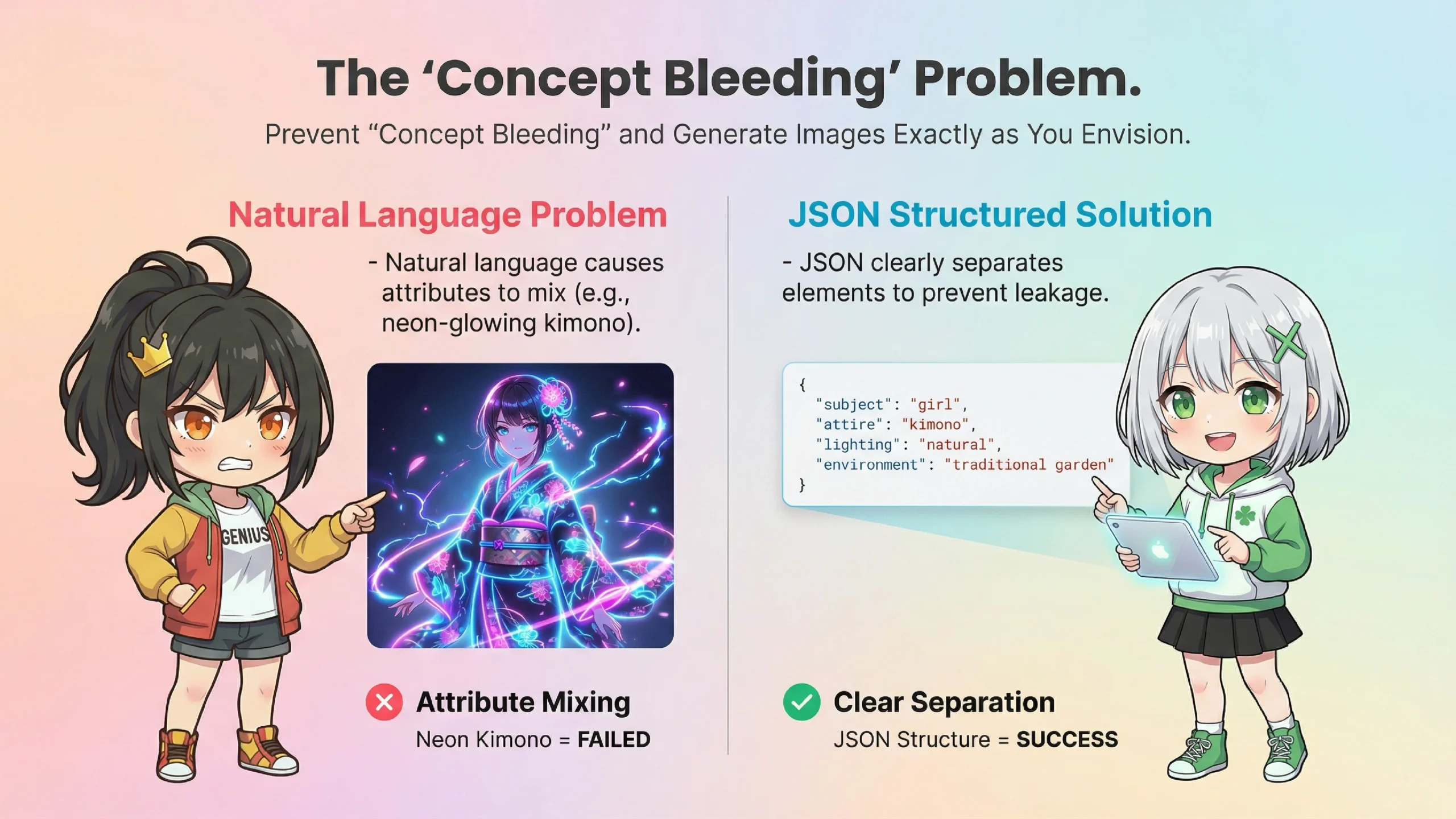
Oh, that reminds me! Once I wrote "a girl in kimono in a cyberpunk city" and the kimono started glowing like neon lights! What was that about!?
That's called "Concept Bleeding." The AI looks at the entire text and sometimes applies the "cyberpunk" concept to the "kimono" as well.
※"Concept Bleeding" (also known as "Attribute Leakage") is a phenomenon where attributes (colors, styles, atmospheres, etc.) of one element in a prompt unintentionally affect other elements.
❌ Common Problems with Natural Language
Prompt: "Cyberpunk city, girl in kimono, neon signs"
Result: LED-lit kimono, metallic skin, traditional patterns turned into holograms... 😱
That's exactly what happened! What I wanted was "a girl in a normal kimono standing in a cyberpunk city"...
With natural language, the AI processes the entire text as "one chunk," making it ambiguous which adjective applies to which noun. With JSON, you can clearly separate "background is cyberpunk" and "character's clothing is traditional."
Alright! Teach me how to write JSON! I'm going to master this!
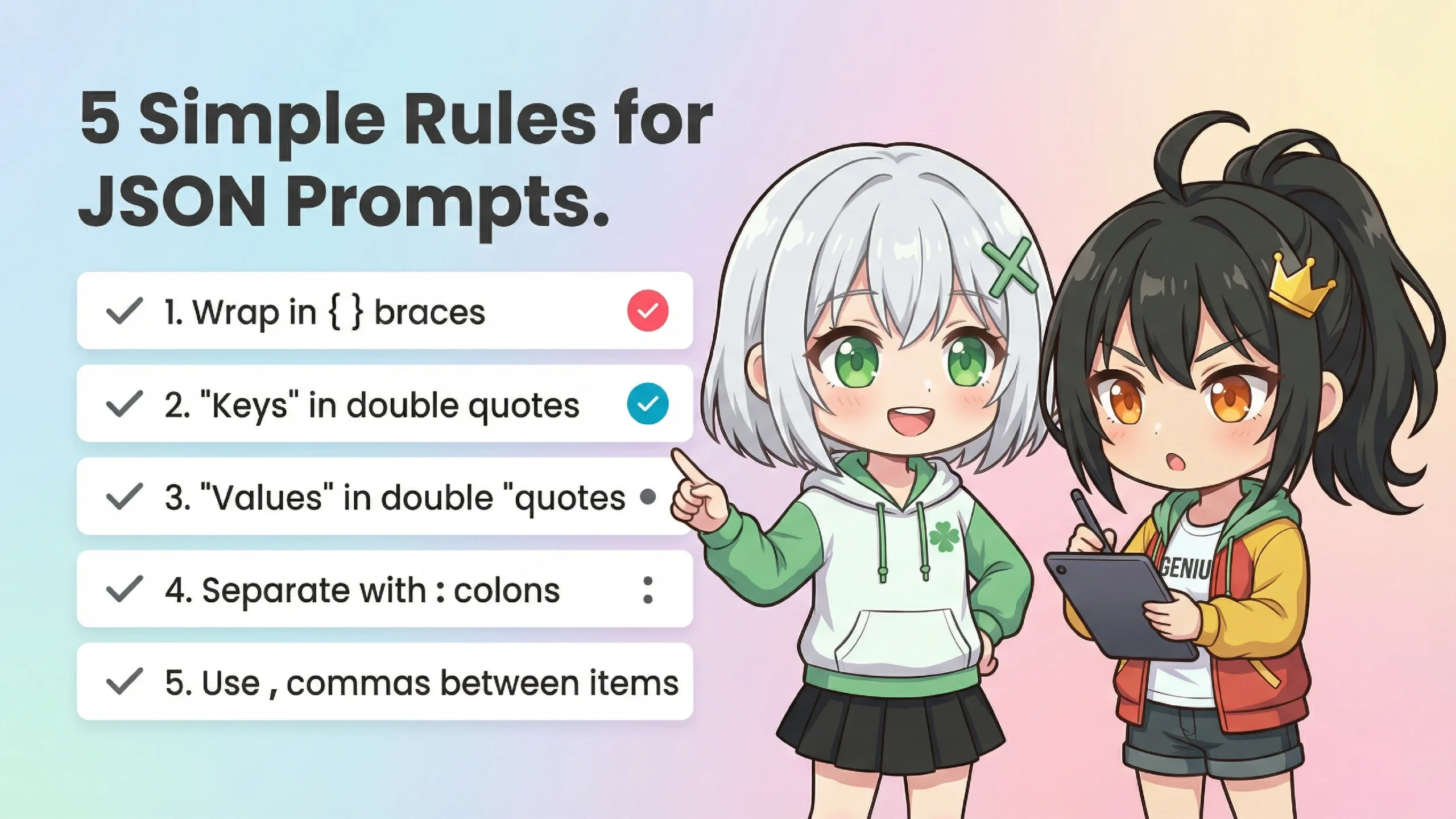
Let me explain the basic rules. JSON has several rules you need to follow.
📋 Basic JSON Rules
① Wrap everything in curly braces { }
These are the "entrance" and "exit" of JSON. Without them, it won't be recognized as JSON.
② Wrap item names in "double quotes"
Like "background", item names must always be in " ".
③ Values are also usually wrapped in "double quotes"
Strings should be wrapped like "cyberpunk". (Numbers can stay as-is)
④ Separate items and values with :
Format: "item_name": "value".
⑤ Separate multiple items with ,
Don't put a , after the last item (a common mistake!)
Ugh... So many rules... I'm definitely going to make mistakes...
Don't worry! Nano Banana Pro is smart enough that it can often autocomplete minor mistakes. It doesn't have to be perfect.
⚡ Common Tips to Keep in Mind
・Don't overuse nested structures
Too many levels of nesting can cause confusion. 2-3 levels is usually the sweet spot.
・You can use any language
Nano Banana Pro understands multiple languages, so you can use English, Japanese, or whatever you're comfortable with.
・Include a brief introduction
Adding "Please generate an image based on the following JSON format:" before your JSON makes it more reliable.
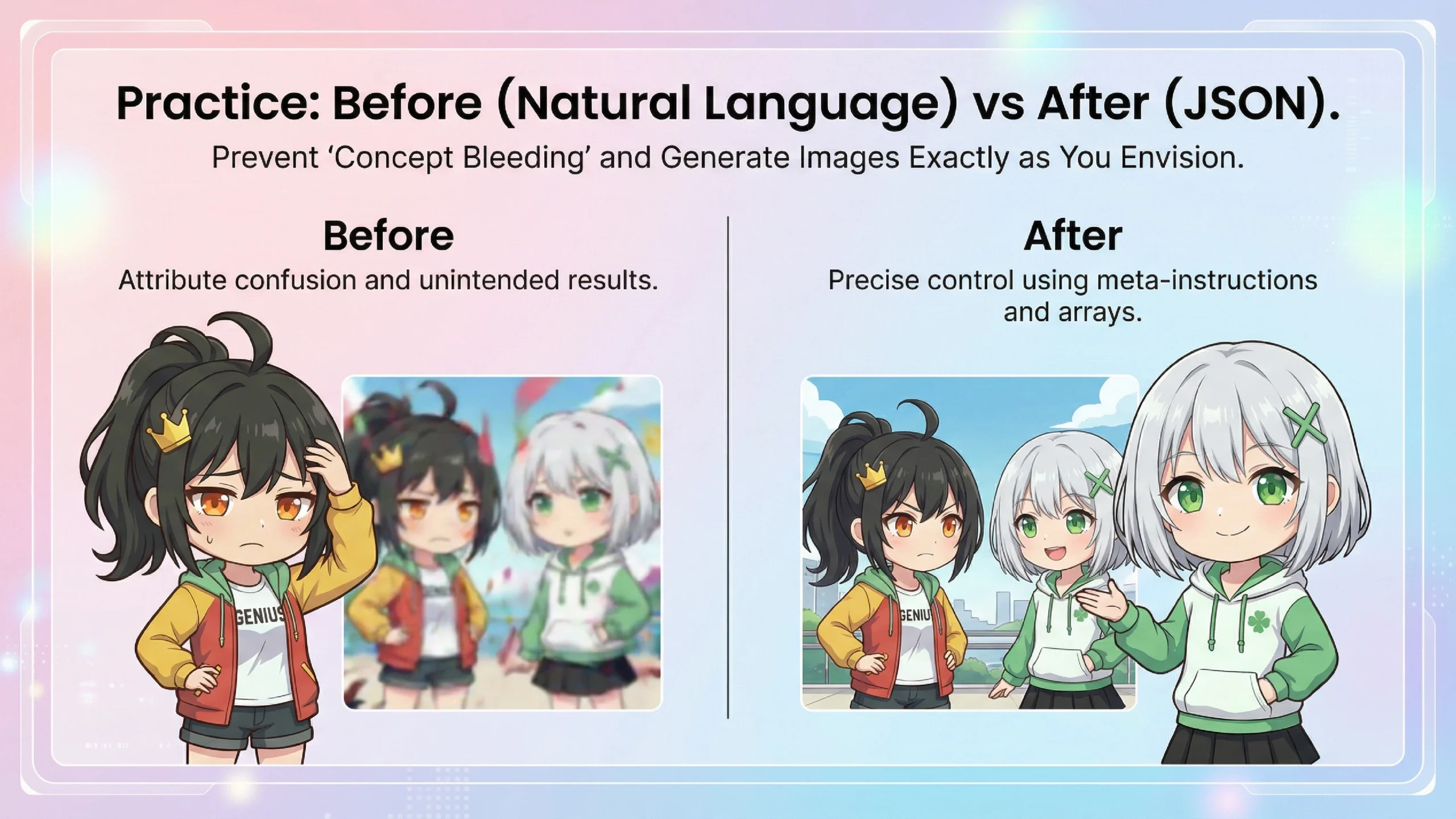
Now let's compare the same scene using "natural language" versus "JSON."
❌ Before: Natural Language Prompt
Common problems: Kimono turns neon colors, umbrella becomes a transparent vinyl umbrella, neon colors reflect too much on skin...
✅ After: JSON Structured Prompt
Wow! "clothing_constraint: no sci-fi elements" and "target: background only" — it's so detailed!
The key is making "subjects" an array (list) and completely separating "girl" and "background." This way, there's no worry about neon light bleeding into the kimono.
I see... Using "meta_instruction" to say "don't mix things" at the very beginning is pretty clever too.
Exactly. With JSON, you can achieve fine-grained control that's difficult with natural language — like "apply this attribute only to this element."
📝 Copy-Paste Ready Basic Template
JSON is incredible! Now I can say goodbye to the "glowing kimono problem"!
Let me summarize today's key points.
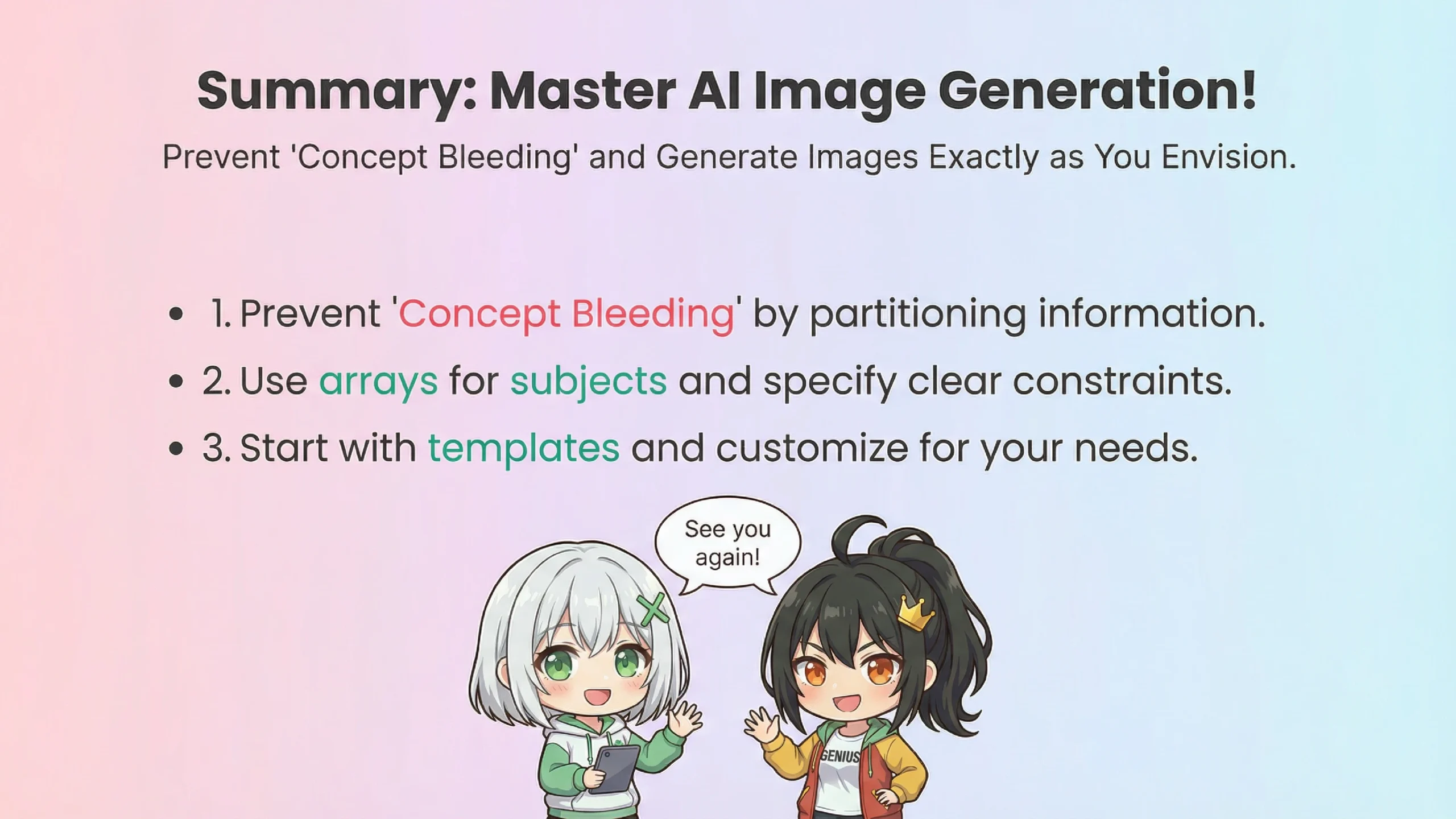
📌 Today's Key Takeaways
1. Language-Controlled vs Visual-Intuitive Differences
Language-Controlled types "verbalize" images before processing; Visual-Intuitive types directly transfer "visual appearance"
2. JSON is Like "Bento Box Dividers"
By clearly separating information, you can prevent concept bleeding
3. Basic JSON Rules
Wrap in { }, enclose item names in " ", separate with commas
4. Practical Tips
Separate subjects using arrays, specify constraints clearly, convey intent with meta instructions
Nice work, Ran! Now I can see the path to becoming a JSON master!
Use the template as a base and gradually customize it to your preferences.
Alright! I'm going to try this right away! See you next time!
Until next time! Take care!