Creating 3D Characters with Claude Code!
Exploring Automation from Blender to UE5
Next-Generation 3DCG Production Workflows Powered by AI Agents
Ran! Listen, listen! I want to create and animate my own 3D character! Wouldn't it be amazing to make my own original character move around like in a video game!?
3D characters... That's quite an ambitious topic, Ete-senpai. Where did you hear about this?
Well, I heard that you can use this AI tool called "Claude Code" to create 3D models in something called Blender! And it's all automatic!
Claude Code... Yes, it's been getting a lot of attention lately. However, saying "it can automatically create 3D models" might be a bit of a misunderstanding. Let me explain step by step.
I don't understand complicated stuff, so explain it in a way I can understand!
*sigh*... Alright. Let me start by explaining what "Claude Code" actually is.

Claude Code is an "agentic coding tool" provided by Anthropic. Simply put, it's an AI that runs inside your computer's terminal (that black screen where you type commands) and can write programs and manipulate files on your behalf.
Huh? Agentic...? Terminal...? I'm already lost!
Let me put it more simply. With regular ChatGPT or Claude chat, you ask questions in text and get text responses back, right? Claude Code is different—it can actually perform tasks on your computer.
*Agentic refers to the property of AI that makes autonomous decisions and takes action. Rather than just waiting for instructions, it creates plans and executes them to achieve goals.
So... if I say "do this!" it'll just start working on my computer by itself!?
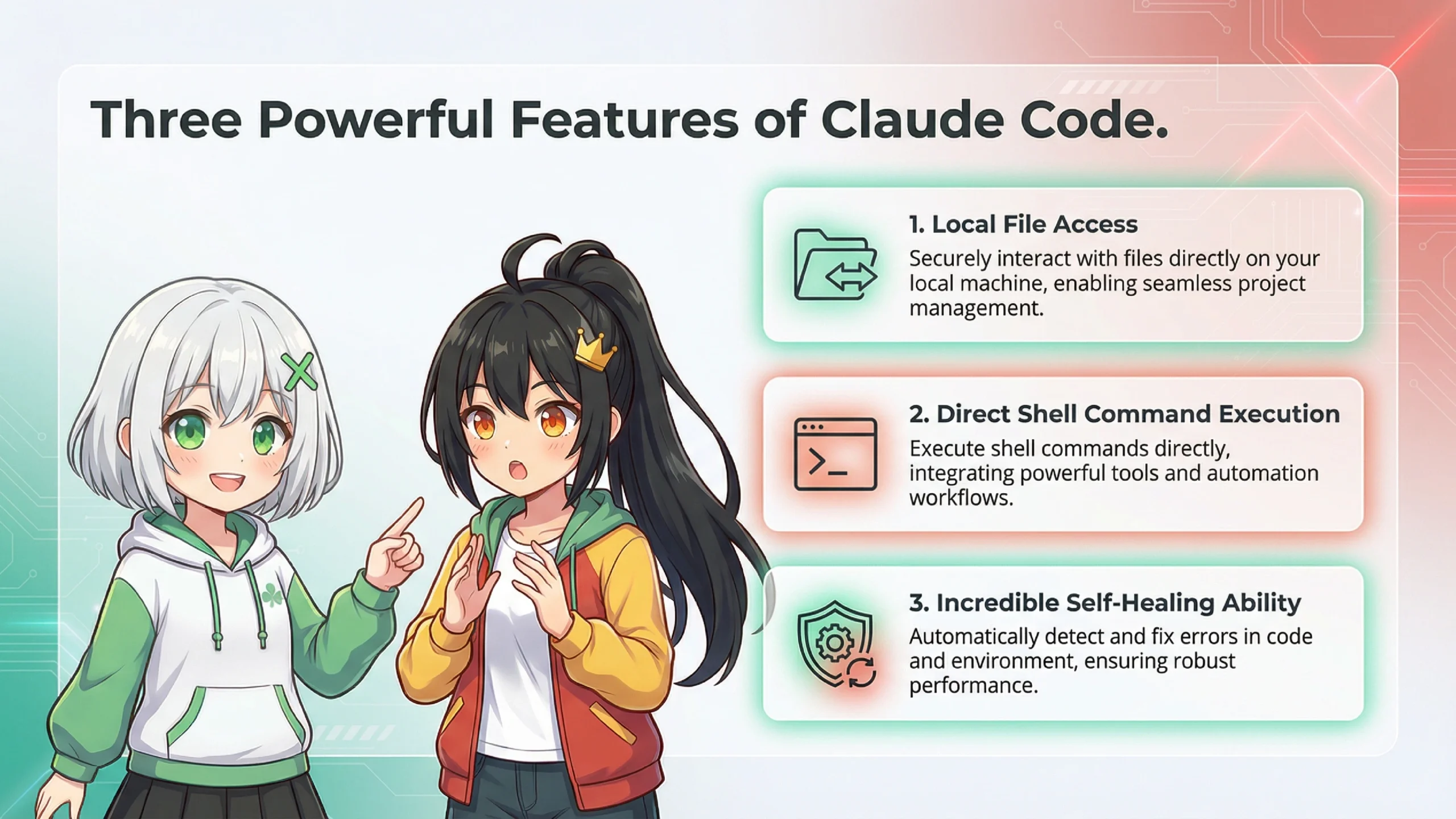
Exactly! You're catching on quick. Specifically, Claude Code has three major features.
🔧 Three Key Features of Claude Code
1. Local File Access
It can read files on your computer and create new ones.
2. Shell Command Execution
It can run commands in the terminal and check the results to decide its next action.
3. Self-Healing Ability
When an error occurs, it can read the error message and rewrite the code to fix it.
What!? It can fix its own errors!? That's incredible!
Yes, this is the strength of being "agentic." For example, if it runs a Blender Python script and gets an "AttributeError," Claude Code can read that error message, recognize "oh, this API is for an older version," and rewrite it using the new syntax before running it again.
Hmm hmm... So basically, regular AI chat just "talks with you," but Claude Code "actually does the work for you"!
That's exactly right! Additionally, Claude Code has a "headless mode" that lets it work completely automatically in the background. For example, you could run something like this...
Headless...? No head...?
No, no, that's not it. "Headless mode" means it runs without displaying anything on screen. It keeps working in the background even when no one is watching. You can enable non-interactive mode by adding the -p flag.
*Headless mode refers to running a program without displaying a GUI. It's suitable for automated processing on servers or batch processing.
So, so! What about the integration with Blender!? That's what I really want to know!
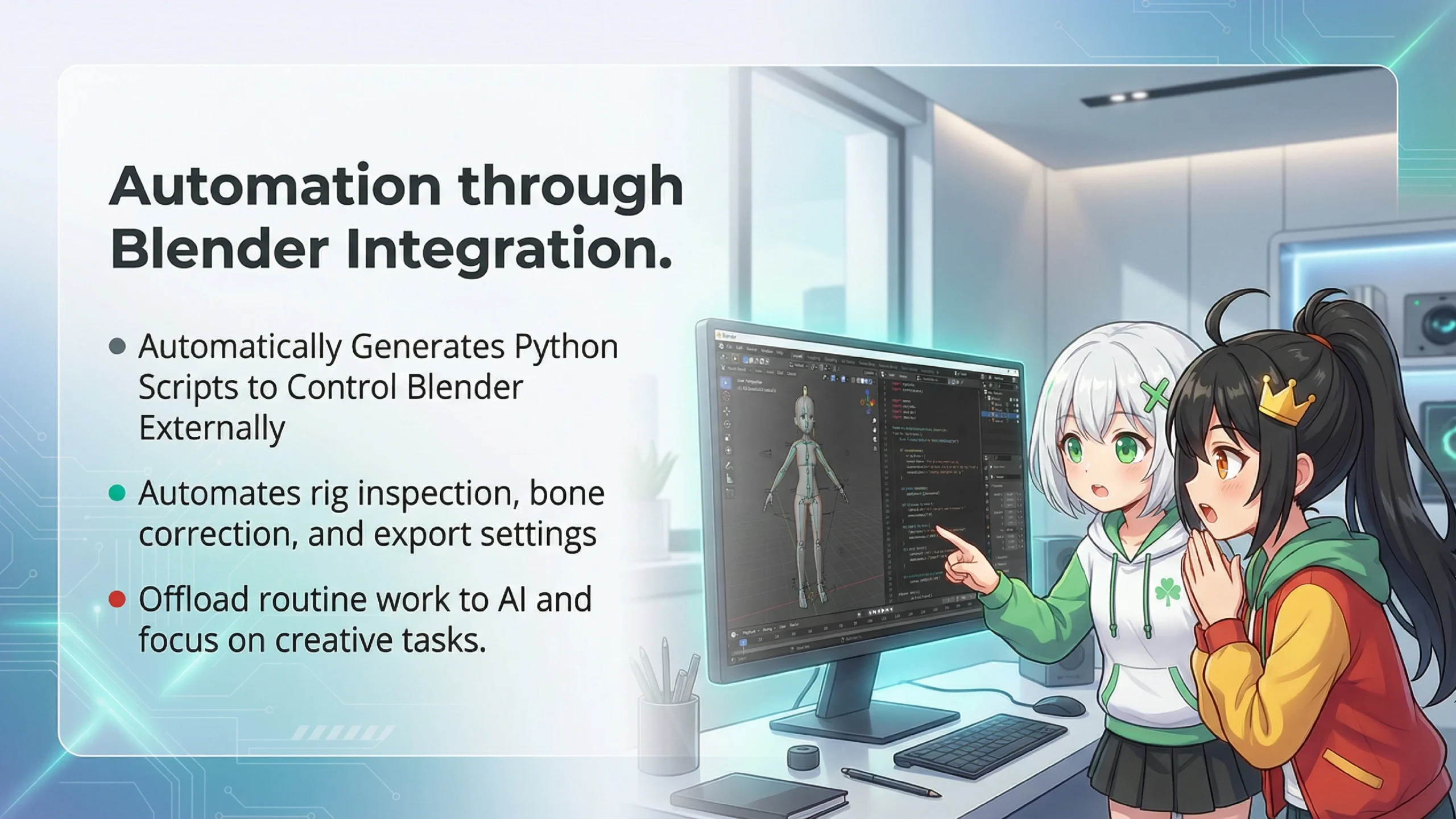
Right, now we're getting to the main topic. First, a quick explanation about Blender: it's an open-source 3DCG software that can be controlled through programs using its Python API (bpy).
*Python API (bpy) is a set of functions for controlling Blender through programming. This allows you to manipulate 3D models through code rather than manual operations.
Hmm hmm... So if you can control it with programs, does that mean Claude Code writes those programs?
Exactly! Here's how Claude Code works with Blender.
🔄 Claude Code and Blender Integration Flow
Step 1: User says "Fix the bones in this Blender file"
Step 2: Claude Code generates a Python script
Step 3: Launches Blender in the background and executes the script
Step 4: If an error occurs, reads the error log and re-executes a fixed version
Step 5: Upon success, saves the result and reports to the user
I see... So Claude Code acts like an "interpreter"! It translates my "I want this!" into a language Blender understands (programs)!
That's a great analogy! The integration with Blender is particularly powerful for tasks like these.
✨ What Claude Code Excels at in Blender
🦴 Rig (Skeleton) Inspection and Repair
Bone naming convention checks, hierarchy structure fixes, adding missing bones, etc.
📦 Export Settings Optimization
Adjusting coordinate systems and scale for target platforms like UE5 or Unity
🖼️ Material Baking
Converting procedural materials into texture images
🔍 Data Integrity Checks
Detecting UV map overlaps, verifying vertex groups, etc.
Wait wait! Rig and material—more difficult words are coming up...!
Let me simplify. A rig is the "skeleton" of a 3D character. Just like the human skeletal system. This is what allows characters to bend at joints. Material refers to the "surface appearance," like whether something looks metallic or like fabric.
Oh! So rig is the bones, and material is the texture of skin and clothes! Now I get it!
Now let me tell you about something where Claude Code truly shines. Blender made major API changes in version 4.0.
API changes...? Is that a problem?
Yes, it's a significant issue. In Blender 3.6 and earlier, bones were managed using "Bone Layers," but from 4.0 onward, it changed to a completely new system called "Bone Collections." This means old scripts don't work as-is anymore.
❌ Old API (Blender 3.6 and earlier) - No longer works
✅ New API (Blender 4.0+) - Required
Ugh... I don't really understand, but the old way doesn't work anymore?
That's right. And this is where Claude Code really shines. The internet is full of old Blender script information, so regular AI might output code written the old way.
But Claude Code is different. When it runs a script and gets "AttributeError: 'Bone' object has no attribute 'layers'", it recognizes "oh, this is an old API" and rewrites it using the new Bone Collections code.
What!? Even when it fails, it realizes "oh this was outdated" and fixes it by itself!?
Yes! This is the "self-healing ability." Furthermore, if you specify in your project configuration file (like CLAUDE.md) that "we're using Blender 4.2" and "use Bone Collections," it's more likely to generate the correct code from the start.
Hey hey, there's something I really want to ask! If I show Claude Code an illustration of a character I drew, will it turn it into a 3D model?
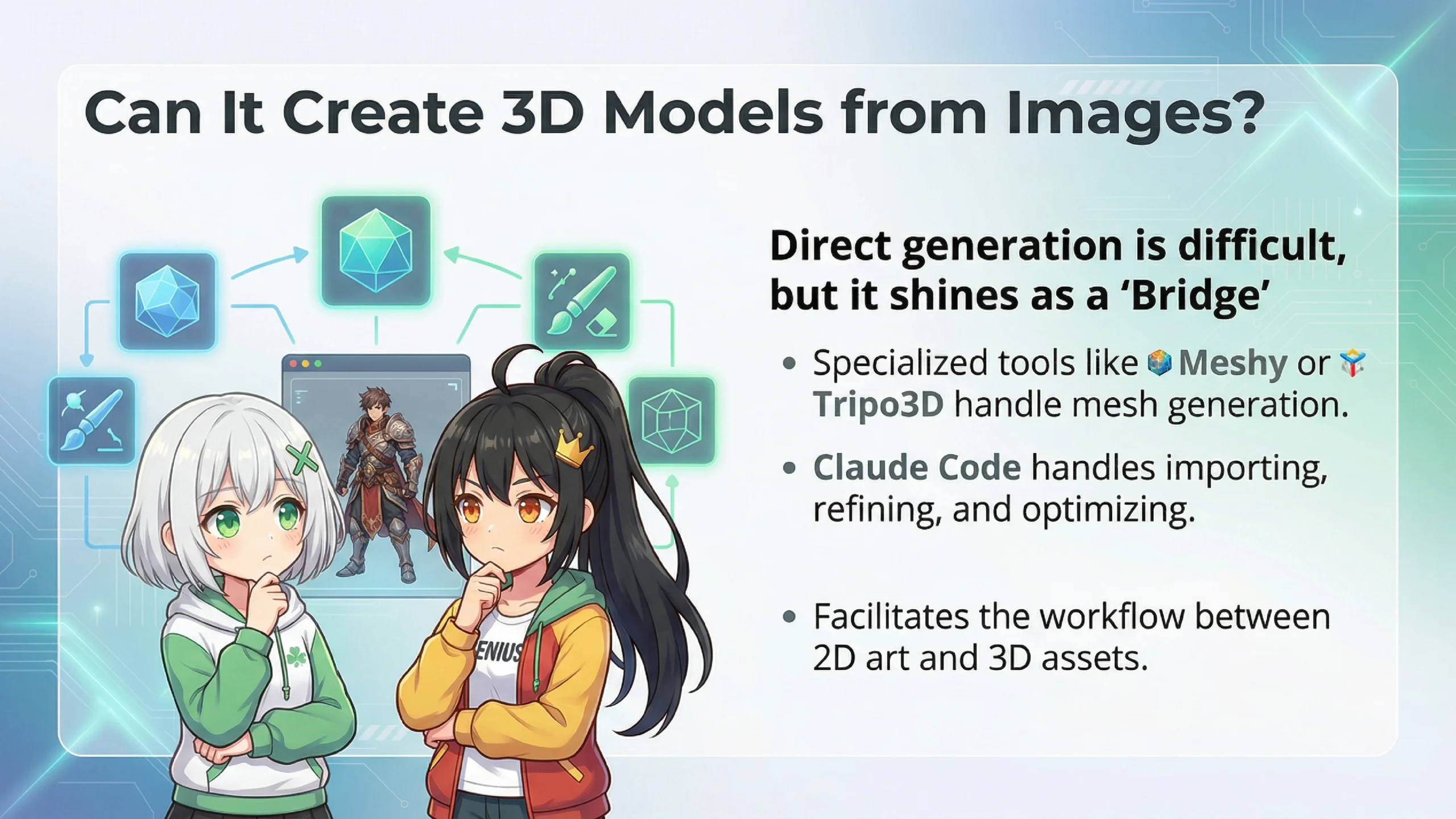
Hmm... Let me be honest. Directly, that's difficult. However, there are some approaches we can consider.
What!? It can't do it!?
Hold on. I said it's "difficult directly," but it's not completely impossible. Let me organize and explain.
🎯 Ways to Create 3D Models from Images
❌ What Claude Code Alone Can't Do
Automatically generating a high-quality 3D mesh from a single illustration. This requires specialized AI technology for image recognition → 3D shape estimation → mesh generation, which is outside Claude Code's wheelhouse.
⭕ What Claude Code Can Help With
• Creating scripts to integrate with external "image-to-3D conversion tools"
• Importing and refining generated 3D models in Blender
• Automatic rigging setup and bone structure optimization
• Preparing exports for UE5
Hmm hmm... So the "creating the 3D model" part is handled by other tools, and Claude Code handles the "cleanup work" afterward?
You've got it exactly! For example, using services like Meshy, Tripo3D, or Wonder3D to create the basic shape from an image, then bringing it into Blender and asking Claude Code to "set up the rig" or "optimize for UE5"—that's a very realistic workflow.
I see! So Claude Code isn't a "jack of all trades" but an "excellent assistant"! It shines in its area of expertise!
Well put. Also, Claude Code has another powerful feature: multimodal (vision) capability.
Multi-modal...? Another difficult word!
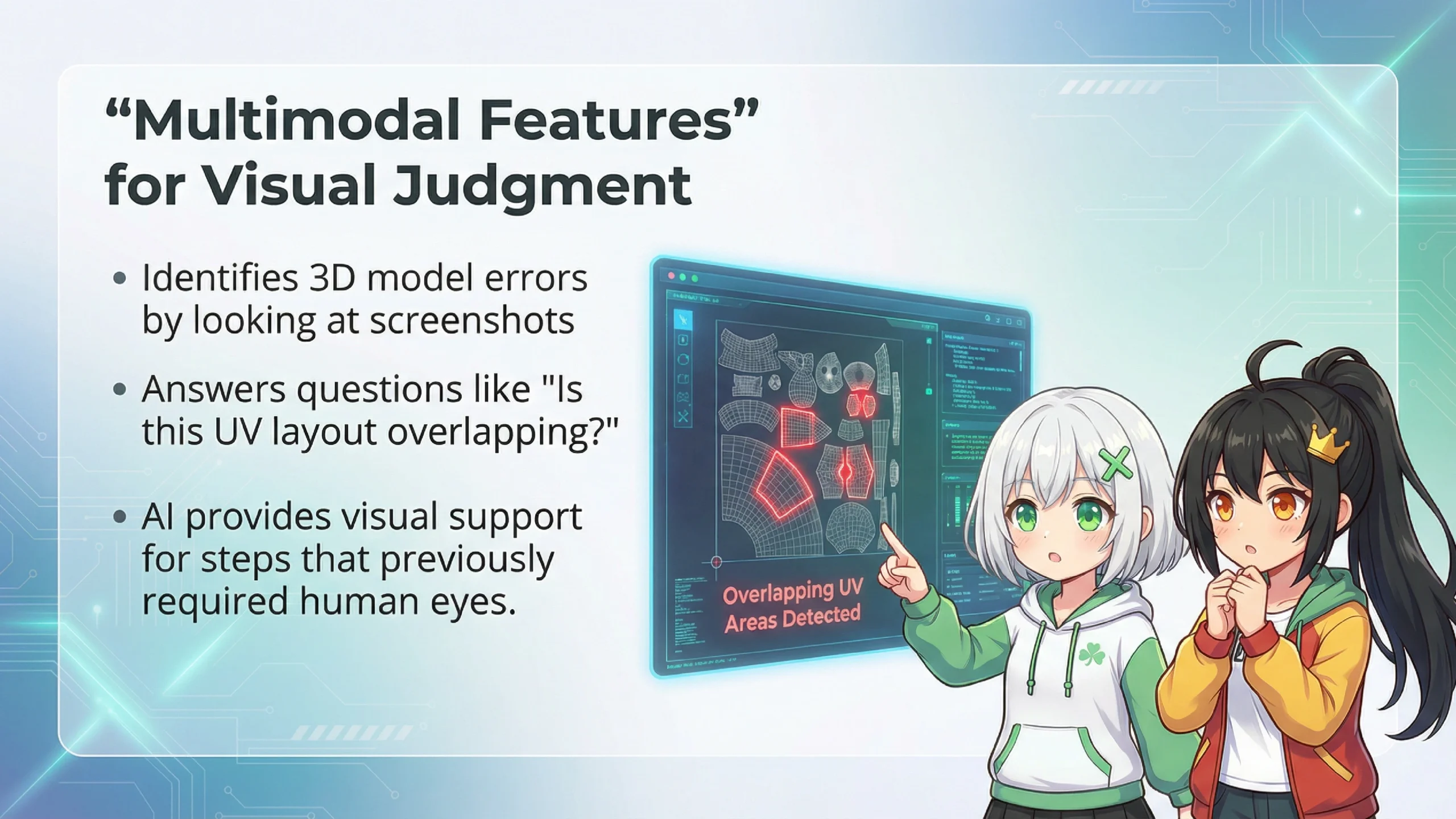
Simply put, it means "the ability to look at and understand images." For example, if you take a screenshot of your 3D model in Blender and ask Claude Code "Are there any overlapping areas in this UV unwrap?", it can look at the image and respond "There seems to be overlap in the upper right area."
*UV unwrapping refers to the unfolding of a 3D model's surface onto a 2D plane. Textures (patterns and colors) are then applied to this. If UVs overlap, multiple textures stack on the same spot and the appearance becomes incorrect.
What! It can find problems by looking at images!? It's like it has eyes!
Exactly. This was impossible with traditional script-based automation. Pointing out visual problems like "the knee bone position is misaligned with the mesh joint position" is something only AI with vision capability can do.
Alright, here's the main event! I want to take a 3D character made in Blender and get it moving in UE5! You know, all smooth and fluid like in a video game!
The transition from Blender to UE5 is actually one of the most difficult parts of 3DCG production. But using Claude Code can make it much easier.
It's difficult...? Can't you just drag and drop it over?
It's not that simple... Actually, Blender and UE5 have different "world orientations."
World orientation...? What are you talking about?
In the 3D world, there's something called a "coordinate system," and Blender and UE5 have different ideas of which direction is "up" or whether "left" and "right" are reversed. If you get this wrong...
😱 What Happens When Coordinate Systems Are Wrong
• Your character is lying face-down on the floor
• They're facing backward (their back is toward you)
• The size is 100x larger (or 1/100th smaller)
What!? My carefully crafted character ends up sleeping on the floor!? 100x is like a giant!
Exactly. But Claude Code has a tested "golden export settings" script, which can prevent these mistakes.
Woah... so much English... I don't understand any of it!
Don't worry, Ete-senpai! You don't need to understand this code. Just tell Claude Code "Export this Blender model for UE5," and it will automatically write and execute code with the appropriate settings like this.
Yay! So I just have to say "do it!" and that's it!

There's another important topic. UE5 has a standard character skeleton called "Manny." If you match this, you can fully utilize UE5's features.
Manny? Who's that?
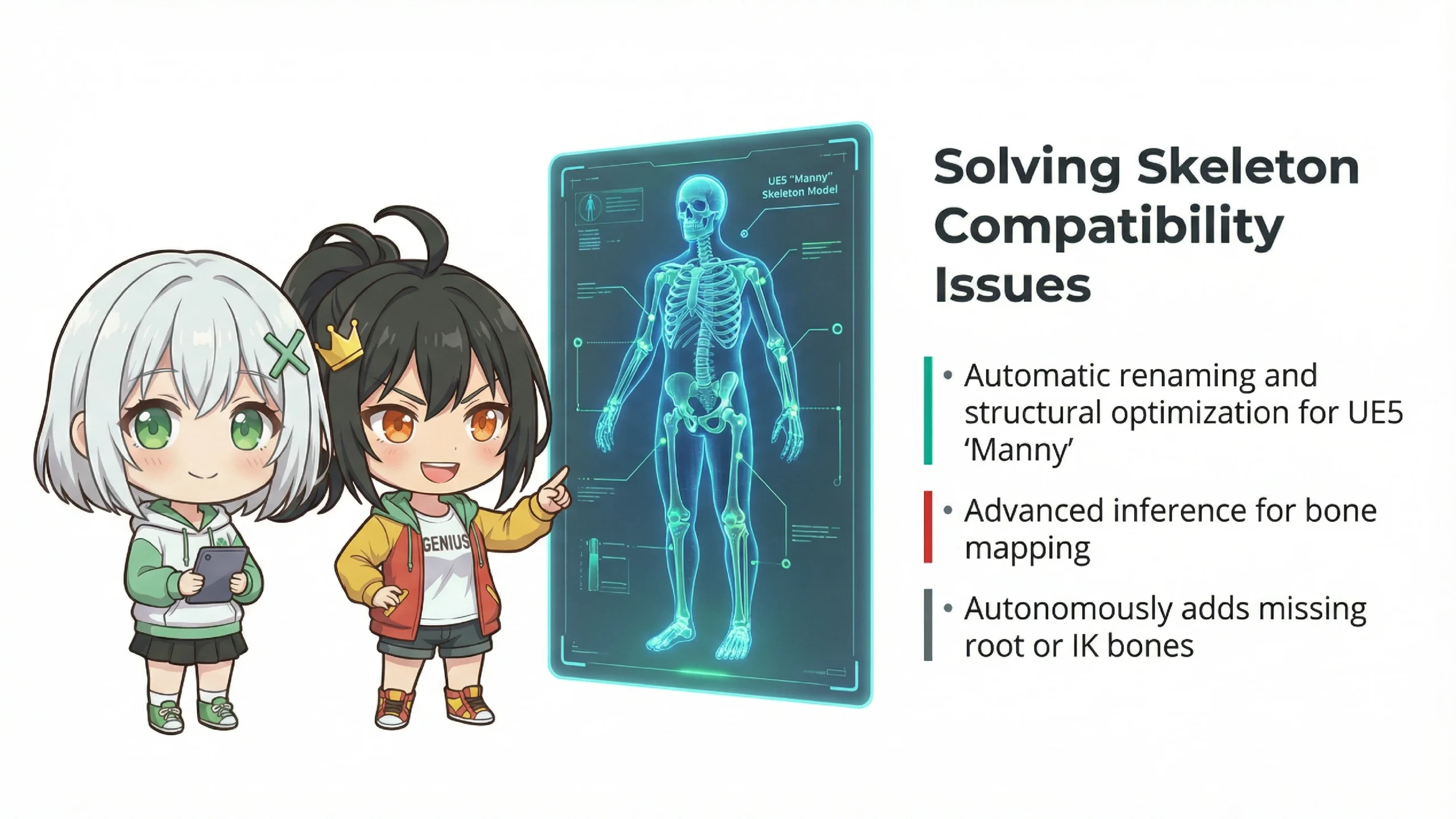
It's a sample character that comes pre-installed in UE5. Manny has 89 bones and is the official "template" from Epic Games. If you make your character Manny-compatible, you can directly use UE5's existing animations.
*Skeleton refers to the bone structure that makes 3D characters move. Characters that share the same skeleton structure can share animations.
Oh! So if I make the skeleton the same as Manny, I can use dance animations made by other people!?
Exactly! You're catching on quick. But the problem is that characters from external sources like Mixamo or TurboSquid often have completely different bone names and structures.
Different names...? Do I have to fix them? That sounds like a pain...
This is where Claude Code really shines! Claude Code can compare the original bone list with UE5 Manny's bone list and automatically rename them. And it's not just simple string matching—it can also reason about "based on position, this bone should correspond to that one."
🧠 Claude Code Reasoning Examples
"Mixamo's LeftForeArm corresponds to UE5's lowerarm_l based on position"
"This rig doesn't have a root bone. UE5's root motion requires a root, so I need to create a parent bone at (0,0,0) and make Hips its child"
"UE5 Manny-specific bones like ik_foot_root and ik_hand_root are missing, so I'll auto-generate these and position them at the hand and foot bone locations"
Amazing! It even decides "this is missing so I'll add it" on its own!?
Yes, this is thanks to Claude Opus 4.5's high reasoning capability. It scored 37.6% on the ARC-AGI-2 benchmark, which indicates excellence in recognizing unknown patterns and solving abstract problems.
Actually, UE5 also has a "Python Editor Scripting Plugin" that lets you control the editor with Python. This means Claude Code can help with automation on the UE5 side too.
What! It works on the UE5 side too!? So the whole thing from Blender to UE5 can be automatic!?
That's right! On the UE5 side, for example, you can do things like this.
🎯 What Claude Code Can Do on UE5 Side
📥 Auto Import
Load FBX files with appropriate settings and bind to existing skeletons
🎨 Material Instance Creation
Auto-assign textures to appropriate parameters
🦴 IK Rig and Retargeter Generation
Auto-create settings for applying animations to different characters
💥 Physics Asset Generation
Auto-generate collision shapes for ragdoll physics simulation
I see... So Claude Code is like a "bridge between Blender and UE5"!
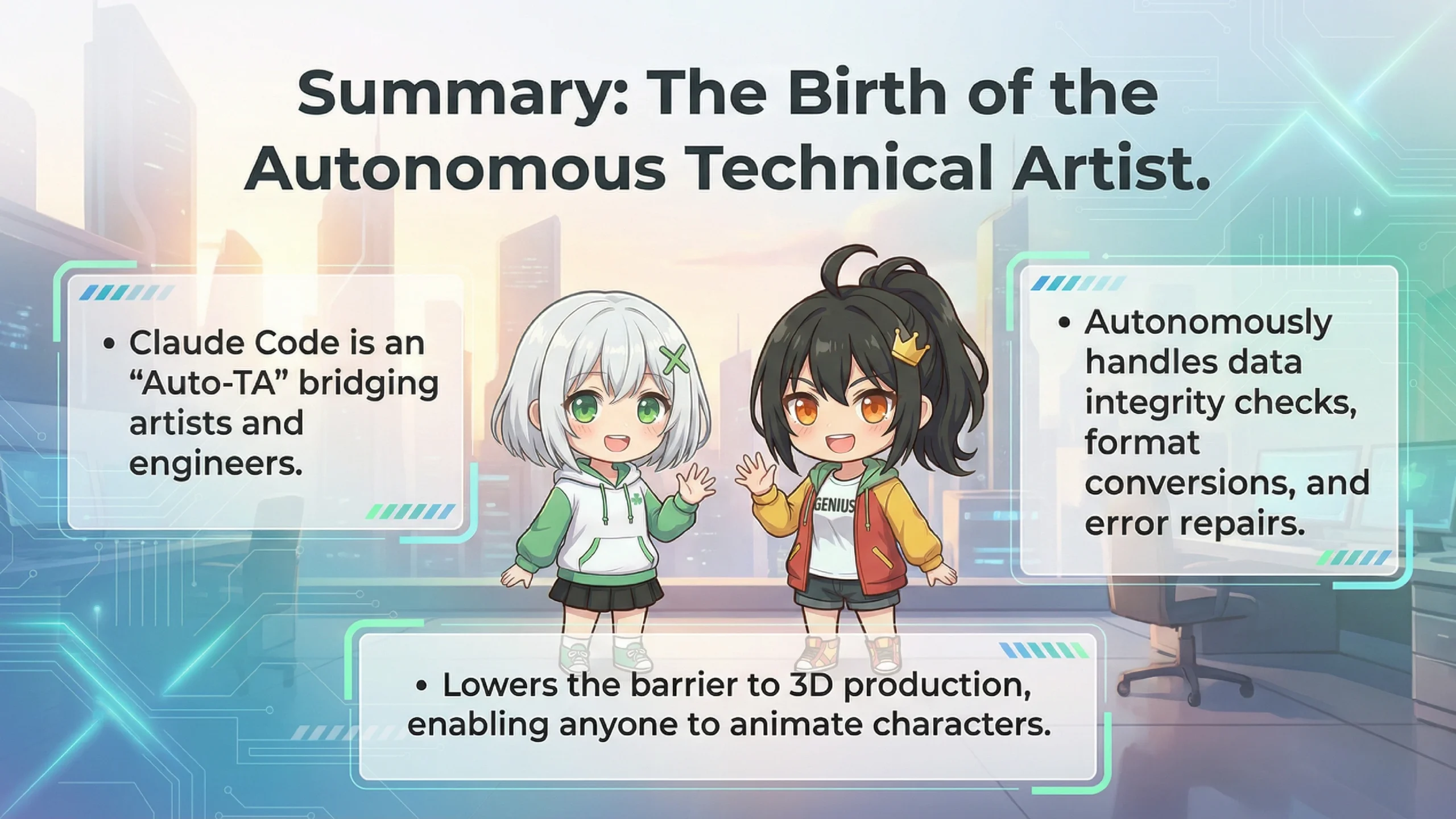
Exactly! In technical terms, it's called an "Auto-TA" (Autonomous Technical Artist). Tasks that human technical artists used to handle—like "data integrity checks," "format conversion," and "self-repairing errors"—can now be performed autonomously by AI.
*A Technical Artist (TA) is a specialist who bridges the gap between artists and programmers. They handle data transfer between 3DCG tools and develop automation tools.

However, there's one important caution I need to mention. The fact that Claude Code "can control your computer" means that if configured incorrectly, dangerous things could happen.
Huh... Dangerous? Like deleting important files...?
Those risks exist. That's why Claude Code has a permission management system built in. You can specify in detail in configuration files what operations are "allowed" and what are "forbidden."
🔒 Example Configuration for Safe Usage
This configuration allows Blender and Python execution while prohibiting writes to system files and access to important source code.
I see! As long as you set clear boundaries like "this is OK, but that's not allowed," you're safe!
Exactly! Also, you can write project rules in a file called "CLAUDE.md" and Claude Code will read and follow them. If you specify things like "using Blender 4.2 environment" or "must be UE5 Manny compatible," it will work more accurately.
Wow, Claude Code really is incredible! To sum up...
📝 What We Learned Today
🤖 What is Claude Code
An AI tool that runs in your terminal and actually controls your computer. Its strength is its "self-healing ability" that fixes errors automatically!
🎨 Integration with Blender
It auto-generates and executes Python scripts for rig inspection, bone fixes, export settings, and more. It even handles Blender 4.0 API changes!
🖼️ 3D Models from Images
Difficult directly, but combining external 3D generation tools with Claude Code handling the subsequent refinement, rigging, and optimization is a realistic workflow!
🎮 Migration to UE5
Can potentially automate all the tedious work like coordinate system conversion, skeleton compatibility, and import settings!
⚠️ Important Notes
Proper permission management is essential for safe usage!
Perfect summary, Ete-senpai! As we continue to explore and experiment, we might discover even more interesting use cases.
Alright! Next time, let's actually use Claude Code and try making a 3D character! You're coming with me, Ran!
*sigh*... Alright. But let's start with the basics first, Ete-senpai.
You're the best, Ran! I'm counting on you!
I-It's nothing... I was just doing what anyone would do...
And that's all for today! Did you get a sense of the possibilities of 3DCG production with Claude Code? We might bring you a hands-on tutorial next time! See you!
Thank you for reading until the end. The combination of Claude Code, Blender, and UE5 will keep evolving. See you next time!