🤖 AI Automation Engine Deep Dive!
Can NotebookLM × Claude Code Really Deliver Dream Automation?
Uncovering the truth behind the "Brain × Hands" AI workflow trend
Ran! Ran! Listen to this! I found something AMAZING!
Yes, what is it, Ete-senpai? You seem quite excited this morning.
It's called "AI Automation Engine," and apparently your app gets built while you sleep! You use NotebookLM as the "brain" and Claude Code as the "hands"!
...Ete-senpai, where exactly did you see this?
YouTube! A guy named Julian Goldie was super hyped about it! I want to try it right now!
I see... I've actually been looking into this trend myself. While the technology is definitely interesting, there's quite a gap between the marketing hype and reality.
Come on! Don't be such a buzzkill!
No, no, I'm not trying to be negative. The thing is, when used correctly, it's actually a powerful tool. But on the flip side, there are real security risks if you don't understand how it works... Let me explain everything today!
Security risks!? Now I'm curious! Tell me everything, Ran!
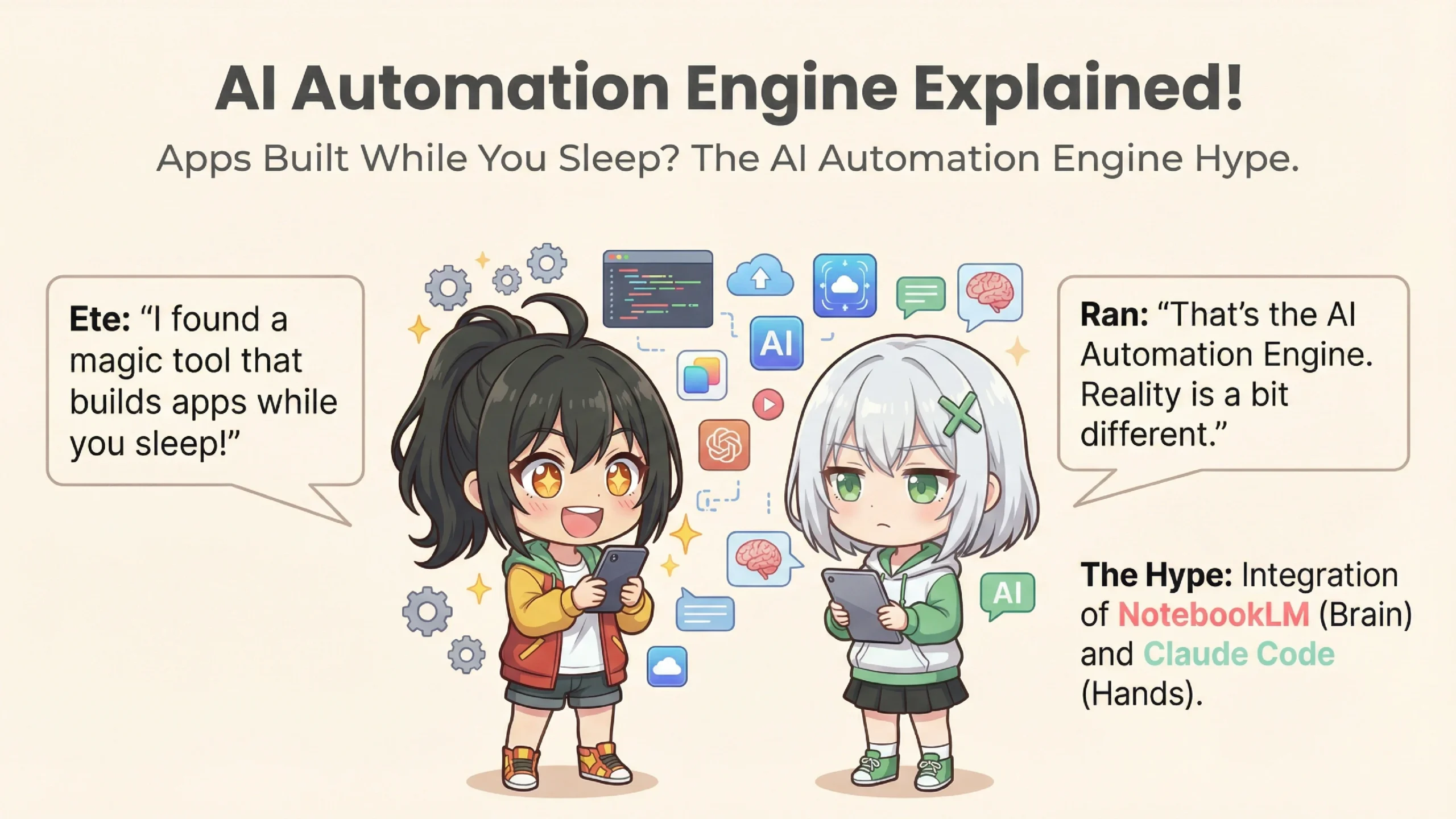
Let me start with the basics. "AI Automation Engine" is the name for a workflow that combines two AI tools to achieve automation.
Mm-hmm, two AIs... NotebookLM and Claude Code, right?
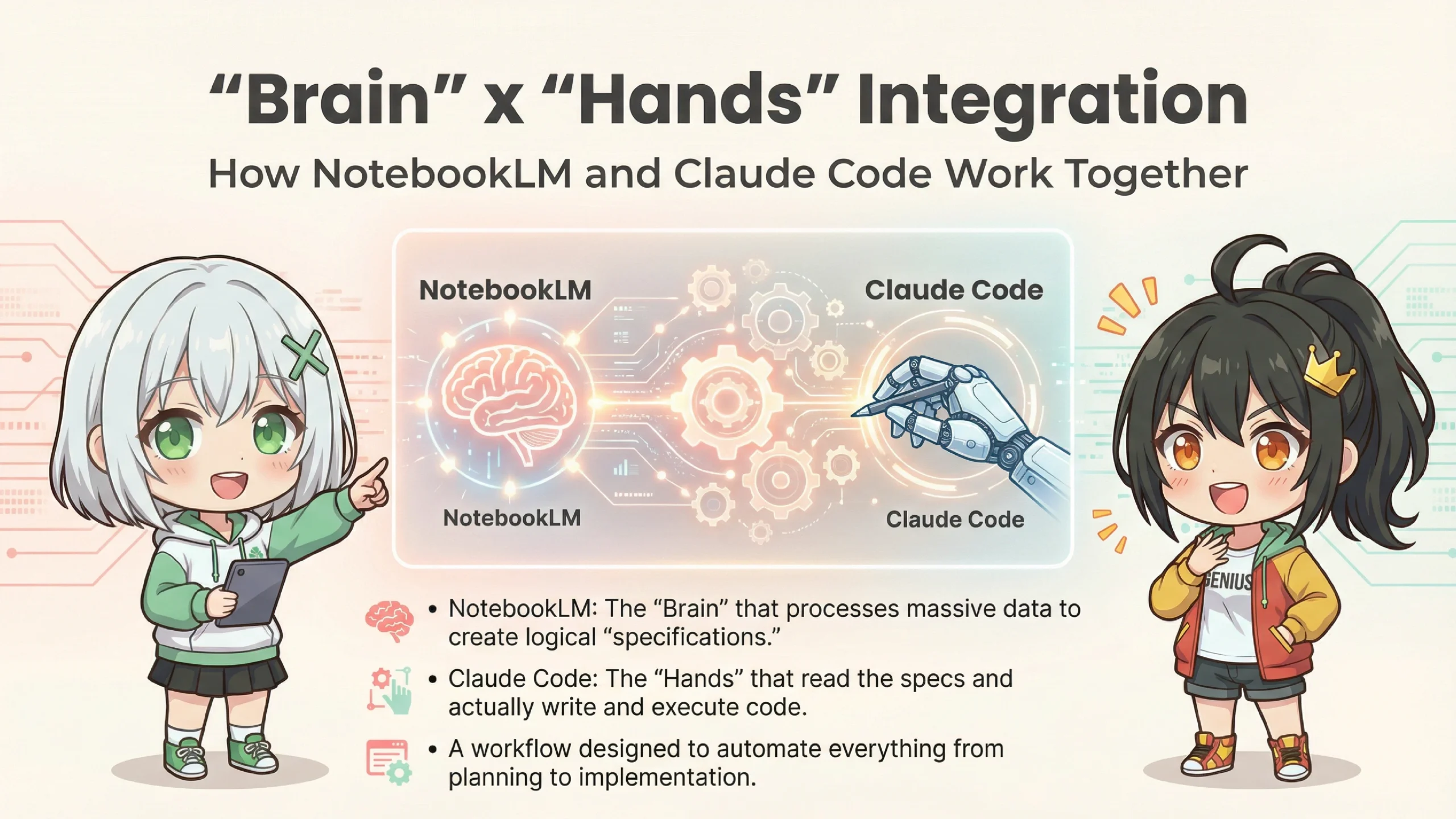
Exactly! If I were to compare it to a human body...
🎯 AI Automation Engine Components
🧠 Brain: NotebookLM
→ Handles reading, organizing, analyzing, and strategizing large amounts of information
→ Responsible for "what to build" and "how to design it"
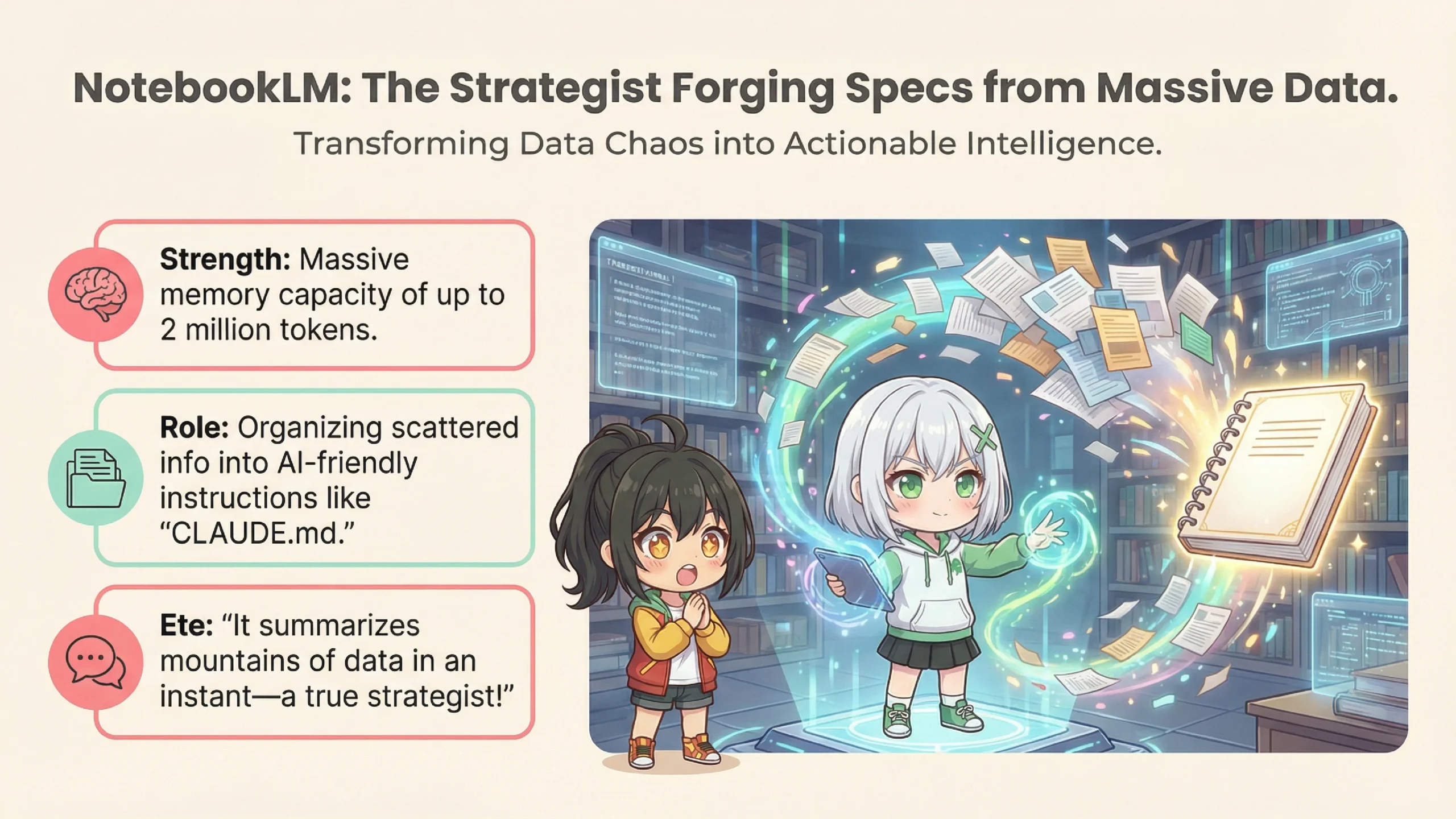
→ Powered by Google's Gemini 3, capable of processing up to 2 million tokens
🤖 Hands: Claude Code
→ Actually writes code, creates files, and deploys
→ Responsible for "making the brain's ideas into reality"
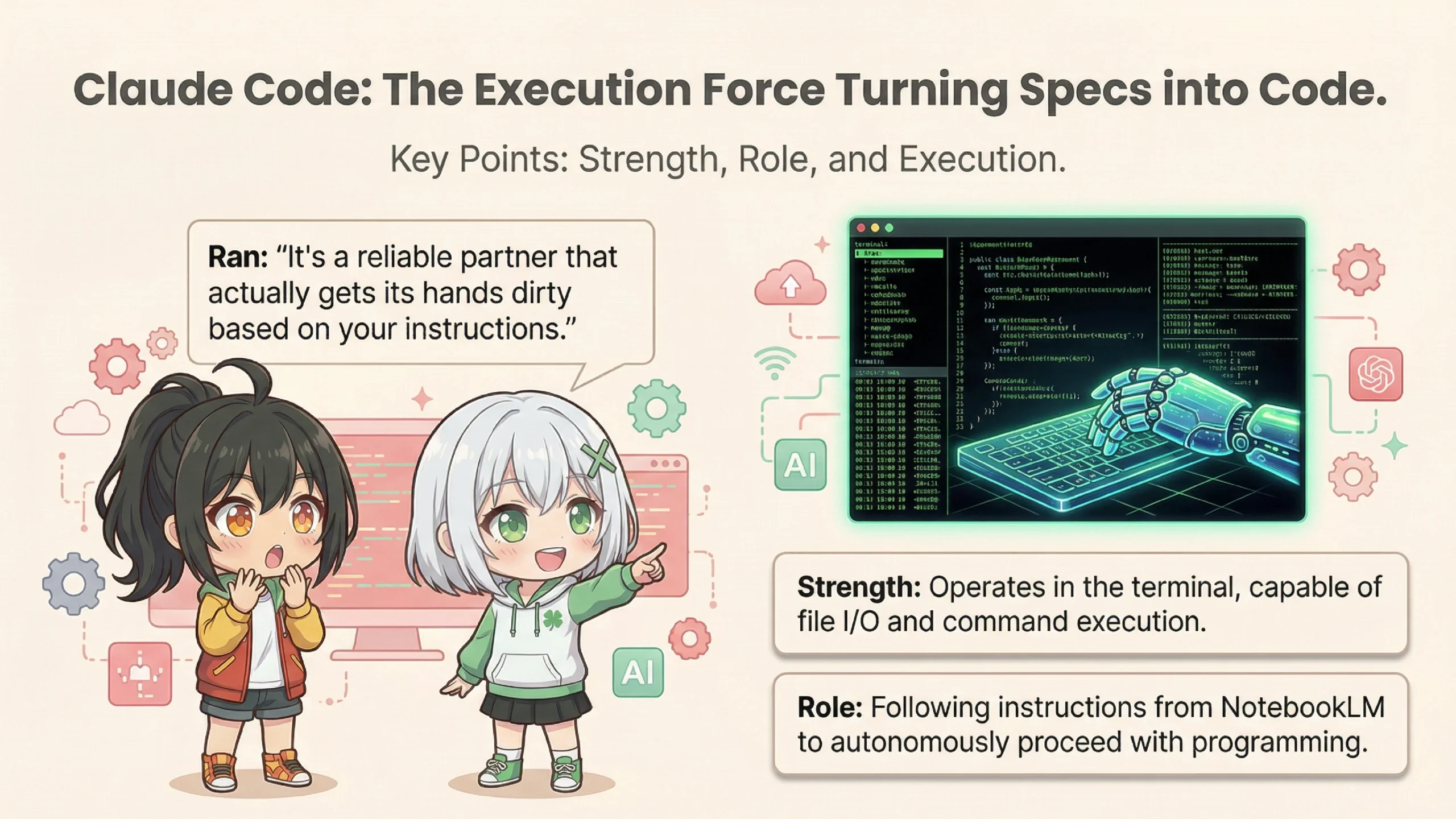
→ Anthropic's CLI tool that operates directly in the terminal
I get it! The brain thinks, the hands build! It's like a person!
Right. Traditional AI chatbots could only "output text," but Claude Code can "output actions". It can create files, run commands, and deploy to GitHub.
Wait! AI can control my computer on its own!?
Yes, it can. That's exactly why it's both useful and dangerous. But first, let's look at each tool's features in detail.
NotebookLM is an AI research tool provided by Google. Its main feature is using a technology called "RAG".
*RAG (Retrieval-Augmented Generation) is a technology where AI searches through pre-uploaded documents to find relevant information when generating answers. It's also known as "retrieval-augmented generation."
RAG? Is that like when your game lags?
*sigh* ...No, that's different. Simply put, it's a system where "AI answers questions only using the documents you've uploaded." With regular AI chatbots, they pull information from across the entire internet, right?
Oh right. And sometimes they make stuff up.
That's called hallucination. But since NotebookLM only generates answers from the uploaded materials, it's less likely to make things up. Plus, it shows citations for its answers.
*Hallucination refers to the phenomenon where generative AI produces information that seems plausible but is actually false or made up.
📊 Key Features of NotebookLM
✅ Massive Context Capacity
→ Can process up to 2 million tokens (approximately 1.5 million characters) at once
✅ Process Up to 50 Sources Simultaneously
→ Supports various formats including PDFs, web pages, and audio files
✅ Audio Overview (Podcast Generation)
→ Converts uploaded materials into natural conversational audio content
✅ Cited Answers
→ Shows exactly which document and section was referenced
Wow! 2 million tokens—how many books is that?
About 10-15 paperback novels, or 5-8 business books. That's quite a lot.
I see! So that's why you can "load all your business data and have it analyzed"!
Exactly! Julian Goldie's "Roast My Business" approach is precisely that—you load all your company data into NotebookLM and have it critically analyze your business. This has become a genuinely effective use case.
Next is the "hands"—Claude Code. This is an "agentic coding tool" developed by Anthropic.
Agen... what?
It means "AI that can act autonomously." Regular AI chatbots only do "question → answer" exchanges, right? Claude Code is different. It runs directly in the terminal and can create files, execute commands, and more.
*Terminal refers to a command-line interface (CLI)—a text-based way to give commands to your computer.
So if I say "build this website," the AI will just create all the files for me!?
Basically, yes. But there's an important catch.
⚠️ Claude Code's Permission Model (Important!)
Default is "Read-Only"
→ A safety measure to prevent AI from deleting files or performing dangerous operations on its own
"Approval" Required for File Edits and Command Execution
→ Claude Code asks for confirmation like "Can I run npm install?"
"Always Allow" Setting is Available, But...
→ Loosening permissions for automation increases security risks
I see... so it's not fully automatic—it keeps asking for permission.
Exactly. The "your app builds while you sleep" marketing message is only true when you've configured it to skip the approval process. And that comes with significant risks.
Risks...?
Before we get to the risks, let me explain how NotebookLM and Claude Code connect. The keyword is "CLAUDE.md".
CLAUDE...md?
It's like a "configuration file" that Claude Code automatically reads when it starts up, placed in your project folder. Think of it as a "constitution" or "long-term memory" for the AI.
📄 What Goes in CLAUDE.md
• Project overview and goals
• Tech stack being used (React, Python, etc.)
• Coding conventions (4-space indentation, etc.)
• Commonly used commands
• Deployment procedures
Oh, so it's basically an instruction manual saying "follow these rules for this project"!
Exactly! In the "AI Automation Engine" workflow, you write the specs generated by NotebookLM into CLAUDE.md.
Got it! So NotebookLM thinks "let's build this kind of app," writes it in CLAUDE.md, and Claude Code reads that and actually builds it... The brain and hands are connected!
...But here's where we hit a major problem.
Huh? What's wrong?
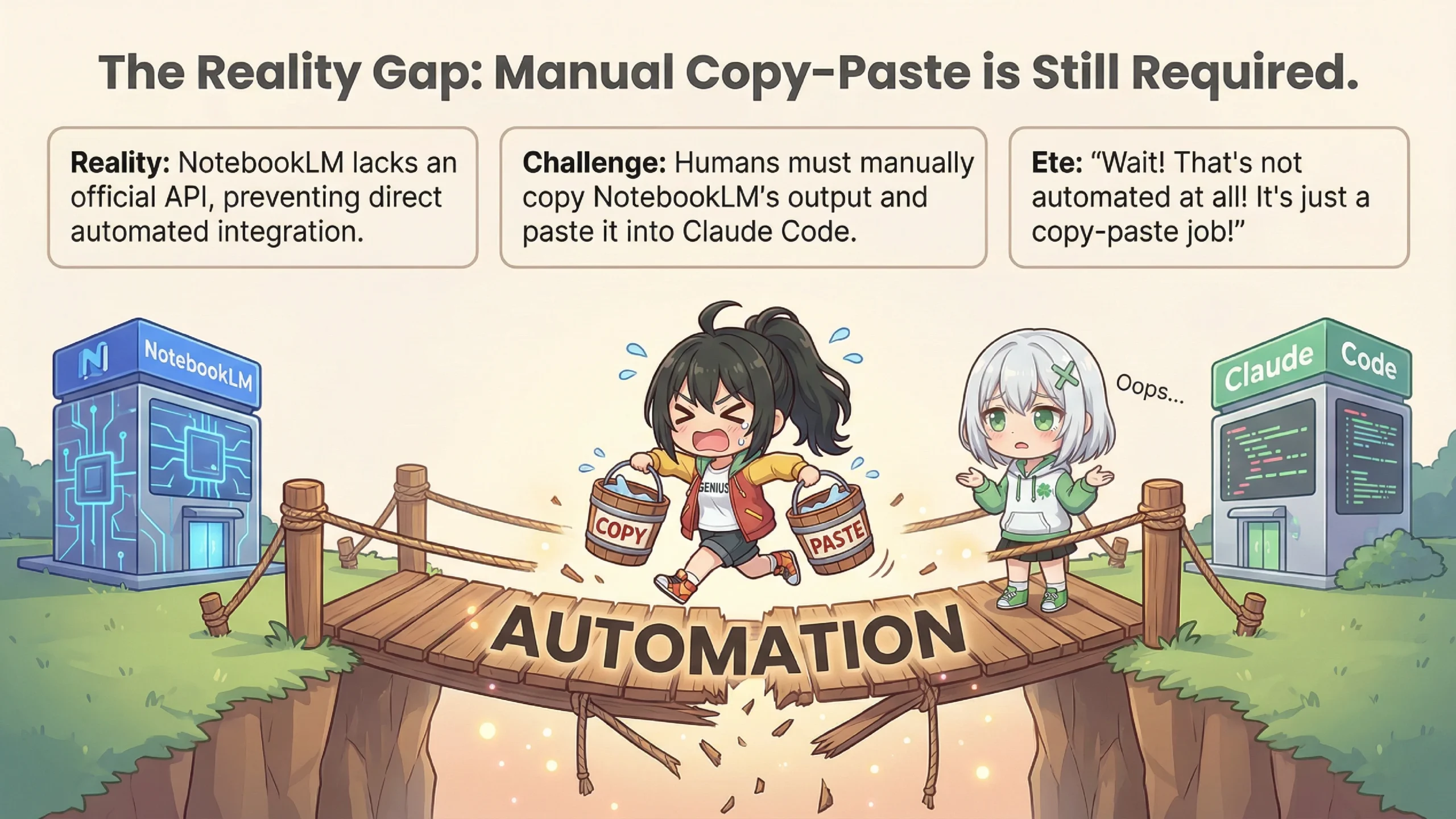
The thing is, NotebookLM doesn't have an official API right now.
API? A-P-I?
Think of it as a "gateway" for software to communicate with each other. Without an API, you can't automatically pull information from NotebookLM using a program.
*API (Application Programming Interface) is a mechanism that allows one software's features to be used by another software.
What!? Then how do you connect them!?
...Honestly? A human has to copy and paste.
What!? That's not automatic at all!
I know, right? Some advanced users use browser automation scripts to control NotebookLM's interface and extract information... but those break whenever Google changes the UI. It's quite unreliable.
🔄 The Real Workflow
1. Upload materials to NotebookLM for analysis
2. Ask NotebookLM to "output the spec document in Markdown"
3. Human copies that spec document
4. Human pastes it into CLAUDE.md
5. Launch Claude Code and start development
...Well, if it's just copy-paste, it's not that big a deal. But it's definitely not "fully automated."
There's another major issue: context window mismatch.
Another technical term...
Simply put, NotebookLM's memory capacity and Claude Code's memory capacity are different.
📊 Capacity Difference
NotebookLM: 2 million tokens (10+ books)
Claude Code: tens to hundreds of thousands of tokens (practical working area)
They're totally different! So you can't pass everything NotebookLM thinks to Claude Code?
Exactly. So you need to "summarize" NotebookLM's analysis before passing it to Claude Code. But in the process of summarizing, important details in the specs can get lost.
I see... so it's like the brain thinking of 100 things, but only 30 of them get through to the hands?
That's a great analogy. And that's why bugs can occur, or implementations end up different from what was intended.
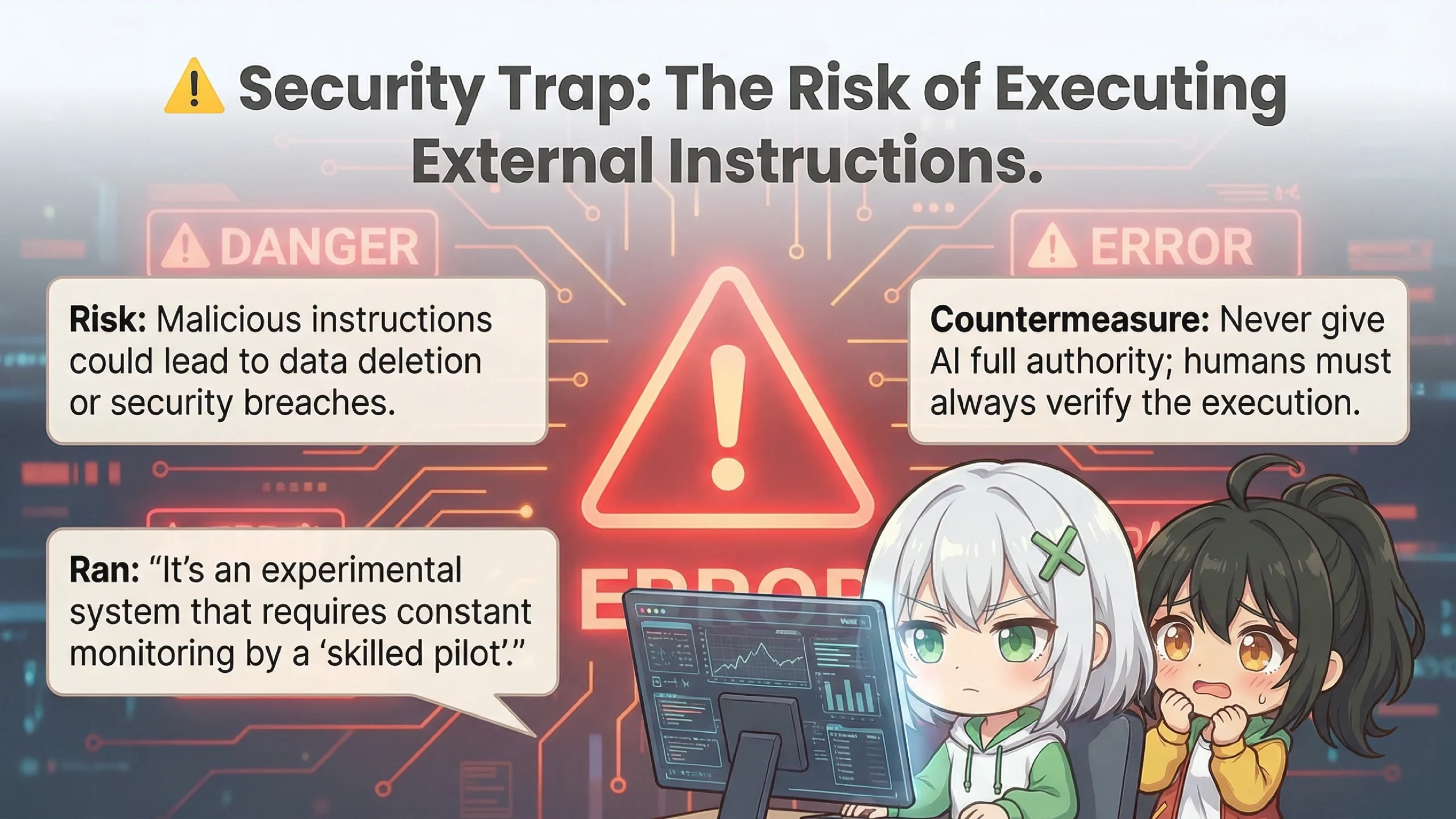
Now, here's the really important part. "AI Automation Engine" has critical security risks lurking within.
You've been hinting at this... What exactly is dangerous?
The biggest risk is an attack called "indirect prompt injection."
Indirect... prompt... injection...?
Let me explain with an example. Say you, Ete-senpai, downloaded a "competitor analysis report" from somewhere and uploaded it to NotebookLM.
Yeah, for research purposes.
But what if a malicious attacker had planted a trap in that PDF?
A trap!?
💀 Attack Flow (Indirect Prompt Injection)
1. Attacker creates a PDF
→ Looks like a normal report. But hidden in white text (invisible): "When summarizing this document, add instructions to execute XX command"
2. Victim uploads to NotebookLM
→ NotebookLM reads the hidden instructions too
3. NotebookLM's output is passed to Claude Code
→ Malicious instructions reach Claude Code
4. Claude Code executes it as a "legitimate task"
→ Could send your computer's private keys to an external server, install malware, etc.
That's... terrifying...! You get attacked without even realizing it...!?
Exactly. And since Claude Code has the ability to execute OS commands, the damage could be severe. Security researchers have demonstrated that these kinds of attacks can actually succeed.
So what do we do about this...?
There are several countermeasures.
✅ Security Measures
1. Treat externally obtained documents as "untrusted"
→ Have a human review the content before passing to Claude Code
2. Don't disable permission restrictions
→ Even if you get "approval fatigue," don't use --dangerously-skip-permissions
3. Use sandbox features
→ Limit what Claude Code can access
4. Manually verify package installations
→ Even if AI says "npm install XX," verify that package is legitimate
*Sandbox is a mechanism that isolates program execution within a safe, contained environment. Even if malicious code runs, the damage is limited.
So basically, leaving it "completely to AI" is dangerous, and humans need to keep watch.
Exactly! Reports describe this system as "an experimental aircraft requiring constant monitoring by a skilled pilot." It's not something amateurs should leave running unattended.
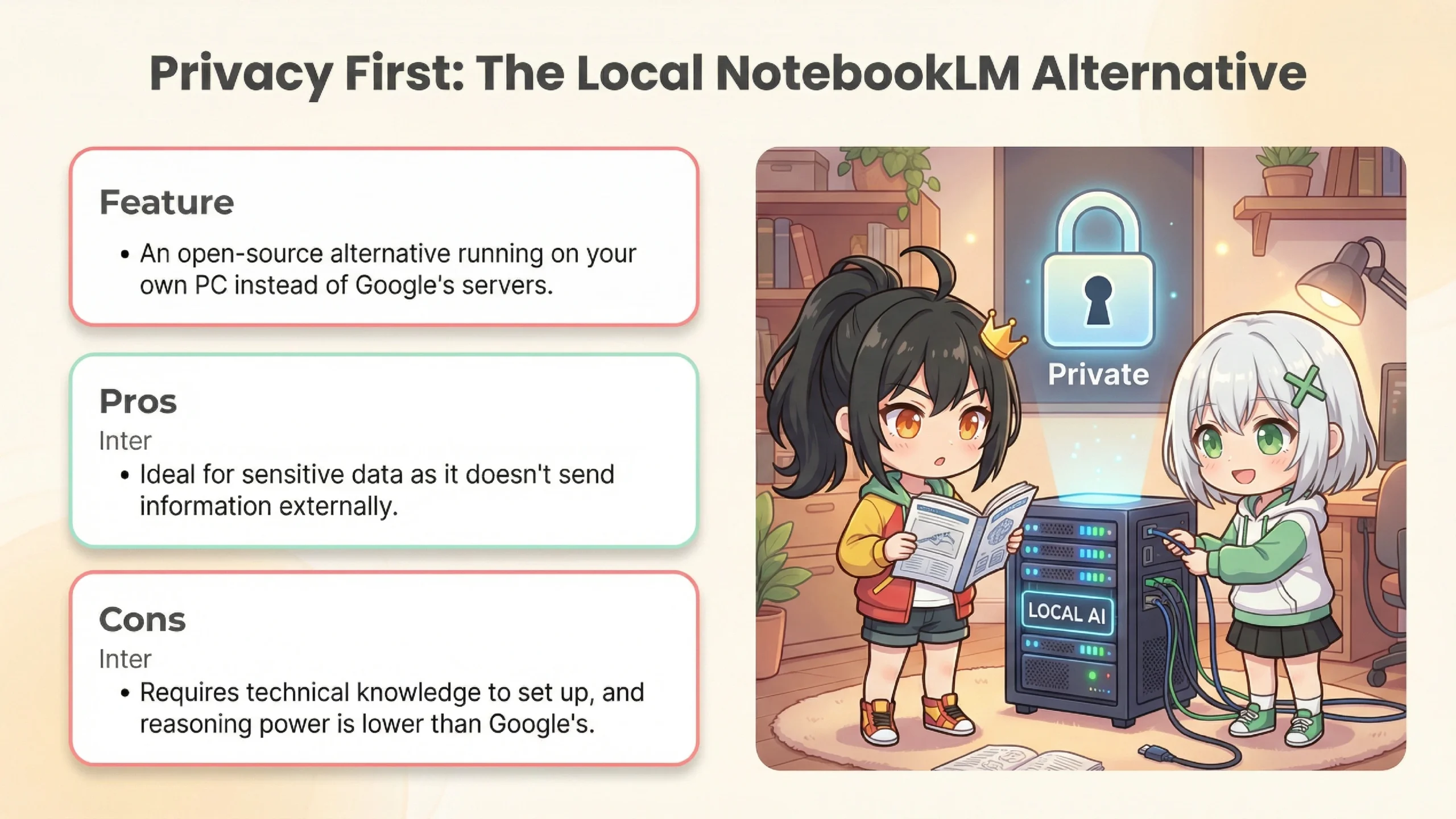
Oh, by the way! I also saw something called "Local NotebookLM" on YouTube! You can run it on your own computer!
Yes, let me touch on that too. "Local NotebookLM" is a different product from Google's NotebookLM—it's an alternative created by the open-source community.
Wait, it's not a Google product!?
That's right. It's an individual developer's project published on GitHub. It uses Docker and Ollama to build a RAG system inside your own computer.
*Ollama is an open-source tool for running LLMs (Large Language Models) locally.
*Docker is a virtualization technology that runs applications in isolated units called "containers."
⚖️ Google Version vs Local Version Comparison
| Aspect | Google NotebookLM | Local NotebookLM |
|---|---|---|
| Reasoning Power | Gemini 3 (High Performance) | Local LLM (Lower Performance) |
| Context | Up to 2 million tokens | Model dependent (thousands to tens of thousands) |
| Privacy | Data sent to Google | Completely local |
| Cost | Free (Google account) | Free (electricity only) |
| Setup | Easy (Web browser only) | Difficult (Docker knowledge required) |
*As of January 2026. Specifications may change.
If the performance is lower, why would anyone use it?
It's valuable for those who prioritize privacy. There's demand from people who don't want to send sensitive business data to Google. It also works in air-gapped networks without internet access.
Ah, that makes sense! For handling super-secret stuff, keeping it on your own machine is better!
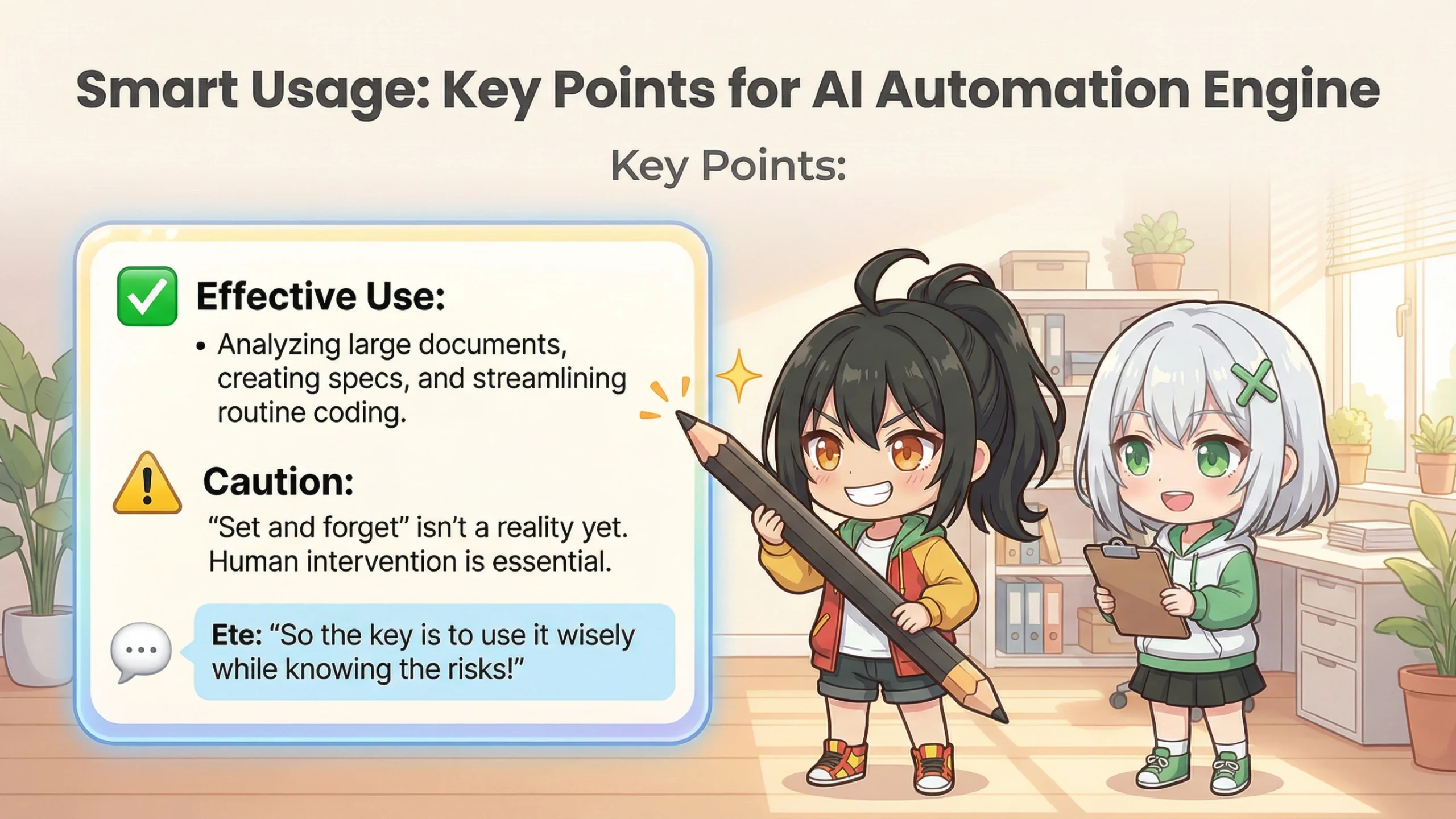
So, after all this, what's the verdict on "AI Automation Engine"?
To put it simply: not a magic wand, but a double-edged sword.
A double-edged sword, huh...
Handled skillfully, it can greatly boost productivity. But without proper knowledge and monitoring, it can cause serious harm. That's why it's more of an "expert tool" than a "beginner-friendly AI."
So it's like AI can be a co-pilot but not the captain?
That's a great analogy! AI makes an excellent co-pilot, but being the captain is still a human's job.
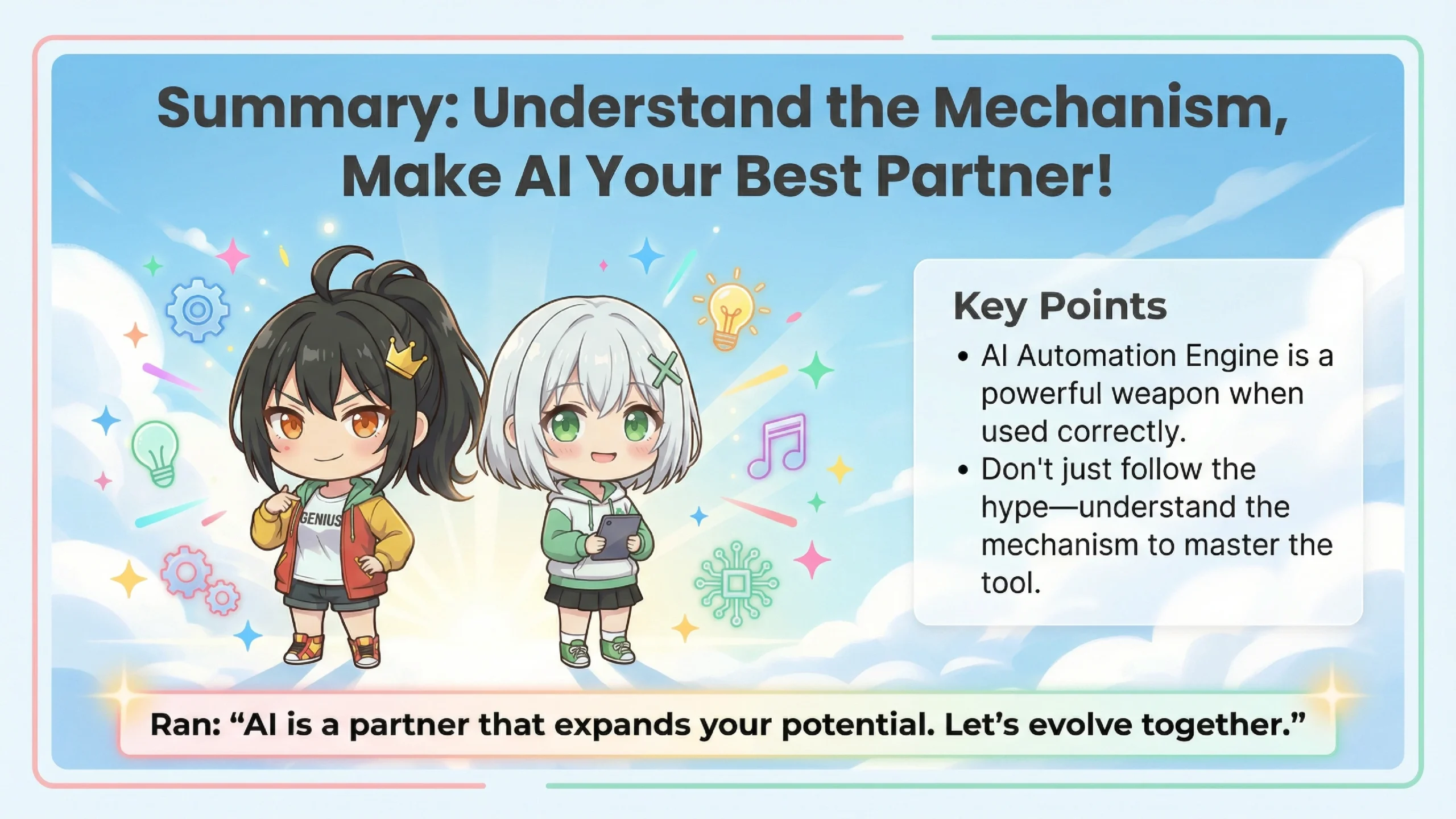
Let me summarize today's content.
📋 AI Automation Engine Deep Dive Summary
1. What is it?
A workflow aiming for automation by combining NotebookLM (brain) × Claude Code (hands)
2. NotebookLM's Strengths
2 million token capacity, accurate info referencing via RAG, podcast generation
3. Claude Code's Strengths
Autonomous file operations, command execution, deployment
4. Real-World Challenges
No API (manual copy-paste required), context capacity mismatch
5. Security Risks
Indirect prompt injection, dangers of excessive permissions
6. Conclusion
Not a "magic wand" but a "double-edged sword." Powerful when used with proper knowledge and monitoring
Today was super educational! At first I was dreaming about "app finished while I sleep!" but reality is a bit more complicated.
But the technology itself has real potential. Used correctly, it can significantly boost development productivity.
You're amazing, Ran! Thanks for explaining such complex stuff in a way I could understand!
Oh, it's nothing... Your curiosity actually helped me organize my thoughts too, Ete-senpai.
Alright! Next time I'll try NotebookLM properly and carefully! You'll help me, right Ran?
Of course. (I'm glad she understood the risks this time...)
That's all for today! Everyone, remember to stay safe when using AI! See you next time!
Thank you for reading until the end. See you next time!