Is Chat Outdated? Exploring New Ways to Work with AI on "Infinite Canvas"
Comparing Kuse AI, Flowith, and Heptabase!
Ugh! Ran, listen to this!
What's wrong, Ete-senpai?
I was researching something with AI chat, and when I asked "remember that thing we talked about earlier?" it replied "What do you mean?" I can't find it by scrolling, and having to open PDFs and copy-paste everything... it's such a pain!
Ah, you're feeling the limitations of the chat format. Actually, some new tools have been emerging that might solve that problem.
What's that? Tell me, tell me!
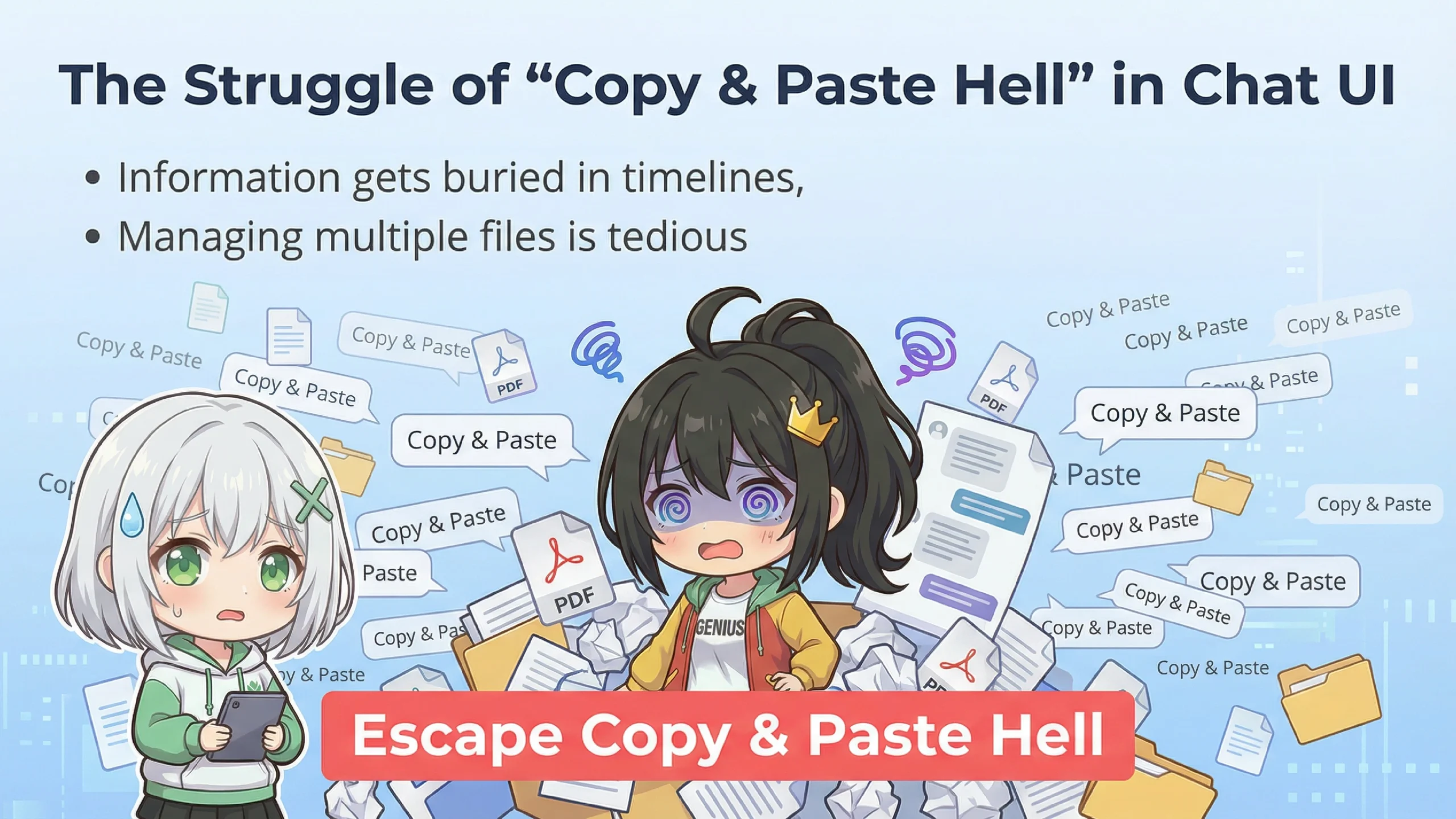
Let me organize the inconveniences you're feeling, Ete-senpai. Chat format is basically "chronological," so past information keeps getting buried as it flows away.
Exactly! I end up scrolling endlessly thinking "where was that topic again?"
Moreover, when you try to use various files—reading PDFs, asking about video content, analyzing images—you have to keep switching between different windows.
That's it! It's so hard to specify "that part of that PDF," and I end up in copy-paste hell...
That's where "Spatial Intelligence" comes in. It's an approach where instead of chronological order, you can freely arrange information on a wide "canvas."
Spatial Intelligence...? That sounds complicated...
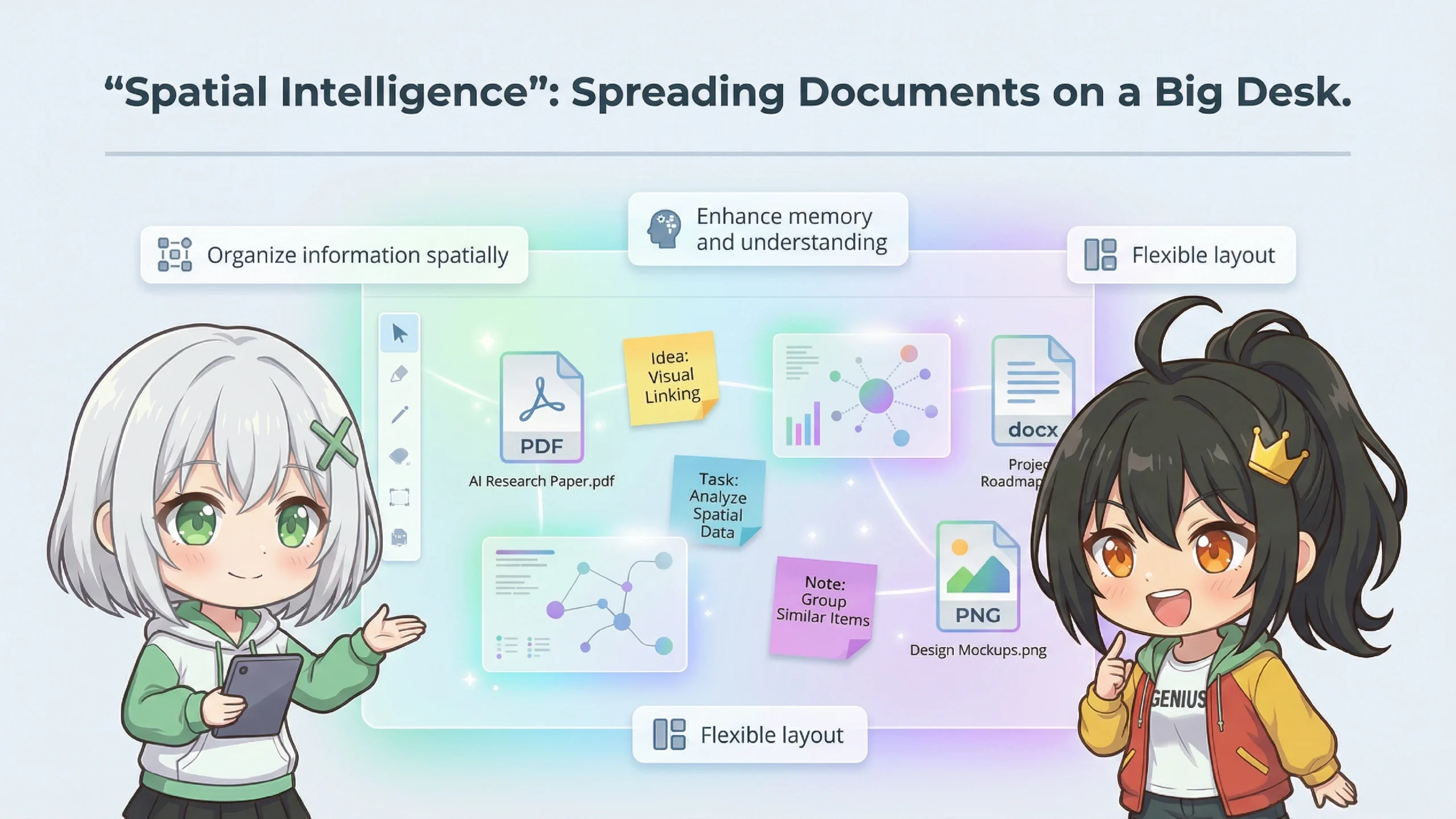
Simply put, it's like "spreading documents on a big desk." Humans are good at remembering things when arranged spatially. Don't you have memories like "I put that document on the upper right of my desk"?
Oh yes! I love working with sticky notes and documents spread out on my desk!
That's exactly it! Recreating that feeling digitally and combining it with AI is what "Infinite Canvas AI Workspaces" are all about.
So what specific tools are out there?
A notable one is "Kuse AI." It calls itself an "AI OS," which is quite ambitious.
OS? Like the thing that boots up your computer?
Conceptually, yes. While regular OS manages hardware, Kuse is trying to become a platform that manages "information" and "AI."
*OS (Operating System) is the foundational software for computers and smartphones. Examples include Windows, macOS, and iOS.
Hmm... so what can it do?
Kuse has three main features.
🎯 Three Key Features of Kuse AI
1. Universal Canvas
Drop anything—PDFs, videos, images, web links, notes—without worrying about file formats
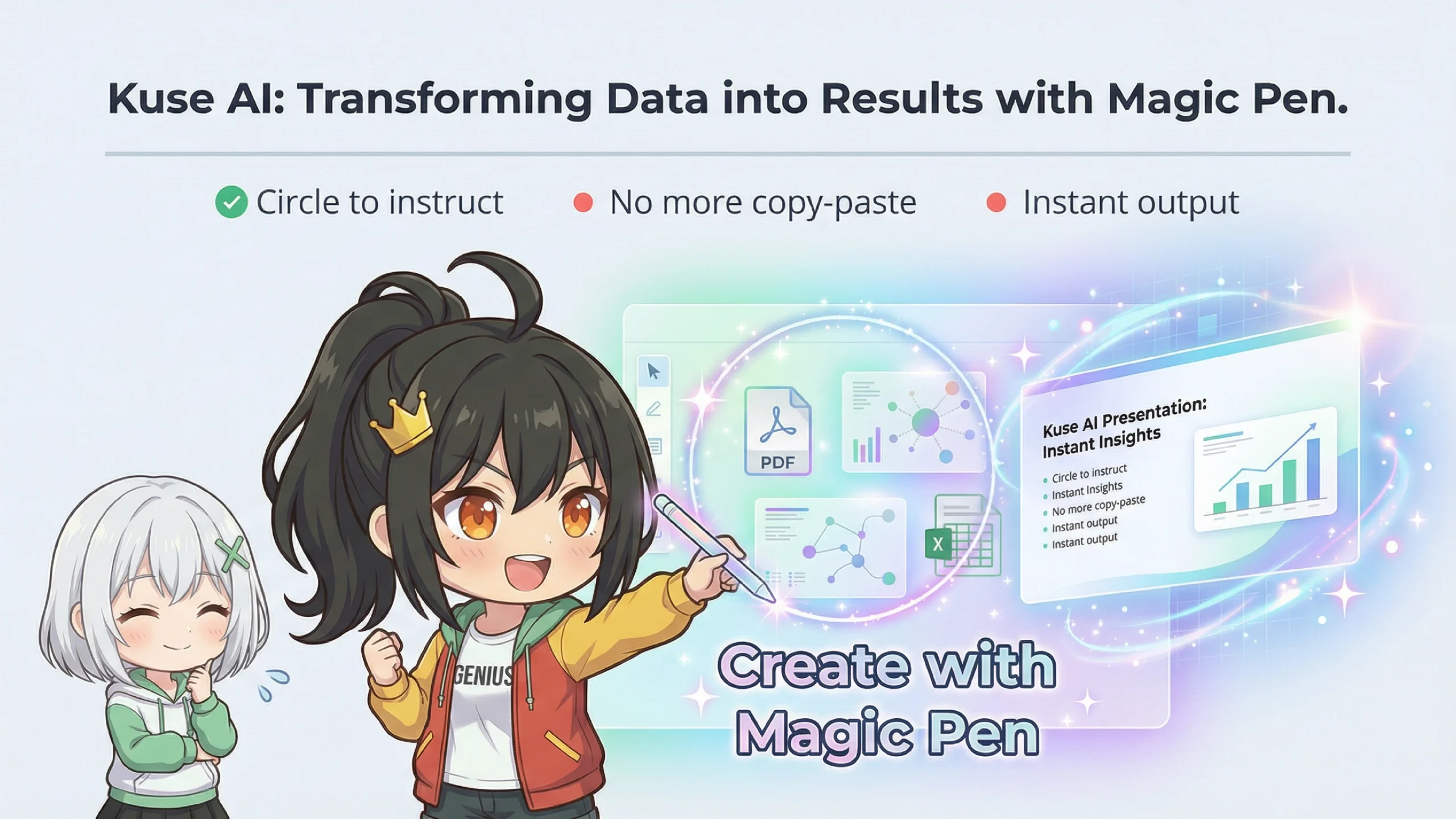
2. Magic Pen
Just circle an area to give AI instructions. No copy-paste needed!
3. Persistent Memory
It remembers context per project, so you don't need to re-explain every time
Magic Pen!? Just circling is enough!? That's amazing!
Exactly. For example, you can circle a part of a video and say "summarize this," or circle multiple PDFs and say "extract common points." It seems to work like that.
Freedom from copy-paste hell...! That's the best!
Furthermore, Kuse uses Google's Gemini AI behind the scenes, which can process large amounts of information at once. With a context window of over 1 million tokens, it can potentially understand even long documents in their entirety.
*Tokens are units AI uses to process text. In Japanese, about 1-2 tokens per character. 1 million tokens means it can handle a substantial amount of information at once.
Are there similar tools besides Kuse?
Yes. Let me introduce "Flowith" and "Heptabase" as representative examples. Each has different strengths.
| Tool | Best For | Ideal User |
|---|---|---|
| Kuse AI | Transforming materials into deliverables (slides, etc.) | Output-focused people |
| Flowith | AI autonomously executing tasks | Automation seekers |
| Heptabase | Deep learning & knowledge organization | Input-focused people |
Hmm... can you be a bit more specific?
First, Flowith is called "agentic"—when you give it a goal like "make a competitor price comparison table," the AI autonomously searches the web, gathers information, and compiles it into a table.
What!? It does everything on its own!? That's impressive!
However, if you want to make fine adjustments while creating, a hands-on type like Kuse might be more suitable.
I see... it's the difference between "delegating everything" and "creating together." What about Heptabase?
Heptabase is designed as a "learning tool." It's good at turning information into cards, visualizing connections, and helping with long-term memory retention. It works offline too, so it seems popular among researchers and students.
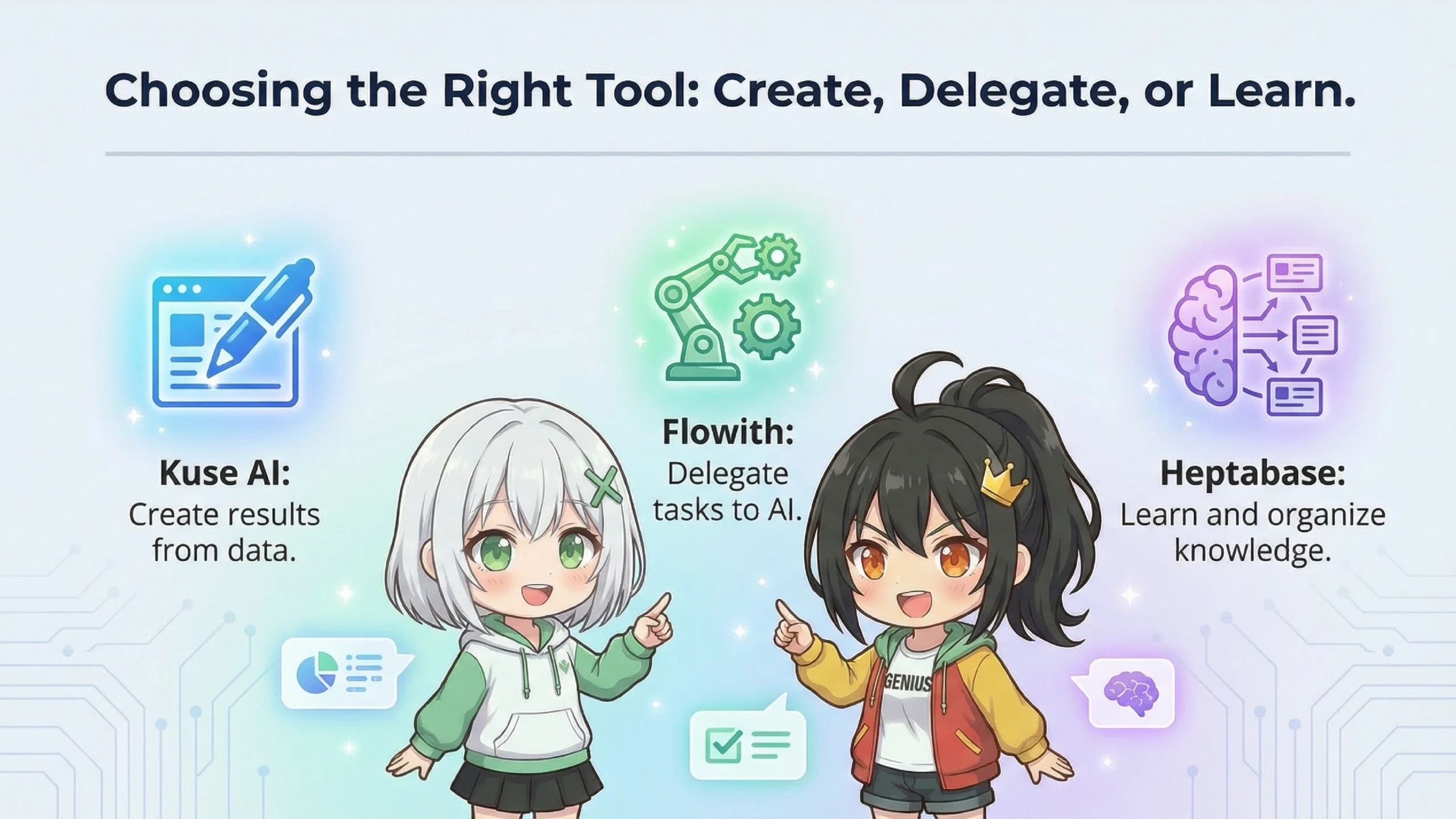
So... Kuse is for "creating," Flowith is for "delegating," and Heptabase is for "learning"?
As expected of Ete-senpai, great summary! That's exactly right.
Hehe, of course!
Alright, maybe I should try Kuse right away!
Wait a moment. Let me share some cautions too.
📌 Important Cautions
Pricing: It may not be unlimited—there might be a credit-based system depending on generation volume. Heavy use could add up in costs.
Mobile Support: As of early 2026, the smartphone app seems still in development. You might find it inconvenient for use on the go.
Offline: Being web-based, it often can't be used without internet. Heptabase might be better if offline capability is important to you.
I see... it's probably best to try it first and see if it fits me.
Exactly. Many tools have free plans or trial versions, so I recommend just trying them out first.
✅ Limitations of Chat UI
Information flows chronologically and gets buried; handling multiple files is cumbersome
✅ Infinite Canvas as a Solution
Work with AI like spreading documents on a desk
✅ Choosing the Right Tool
・Kuse AI: For those who want to create deliverables from materials
・Flowith: For those who want to automate work
・Heptabase: For those who want to learn deeply and organize knowledge
✅ Try It First
It's important to check if it fits your work style
As expected of Ran! That was super easy to understand! I'll try Kuse first!
O-oh... thank you. Please ask me anytime if you have questions.
Well then, see you!
Until next time!